
AgencyHub user guide
Everything you need to run SEO with AgencyHub
Step-by-step guides for agency owners, SEO specialists and clients, with screenshots of every screen.
Agency owners & admins
For agency owners
Set up clients, your team, Search Console, monthly plans, niche profiles, approvals and client reports.
SEO managers & specialists
For SEO specialists
Your daily routine, taking tasks, the pipeline, proof for every task, backlinks, content, site audits and AI search.
Clients & business owners
For clients & business owners
Sign up free, connect Search Console, read your report card and see the work done for you.
Everyone
Start here
How AgencyHub works, signing in and who can do what.
Start here
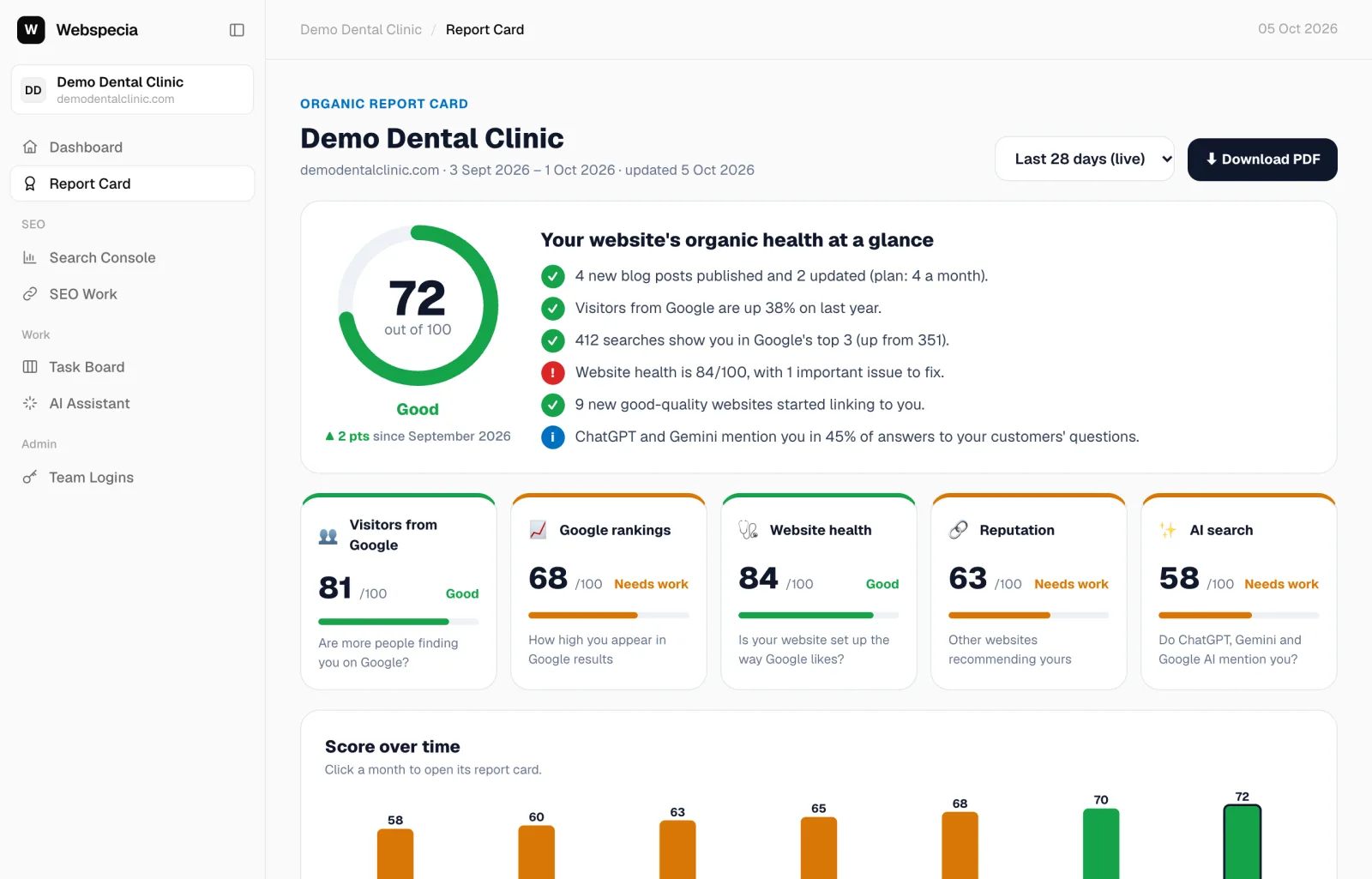
How AgencyHub works
Workspaces, logins, the report card and the SEO work loop, explained in five minutes.
Start here
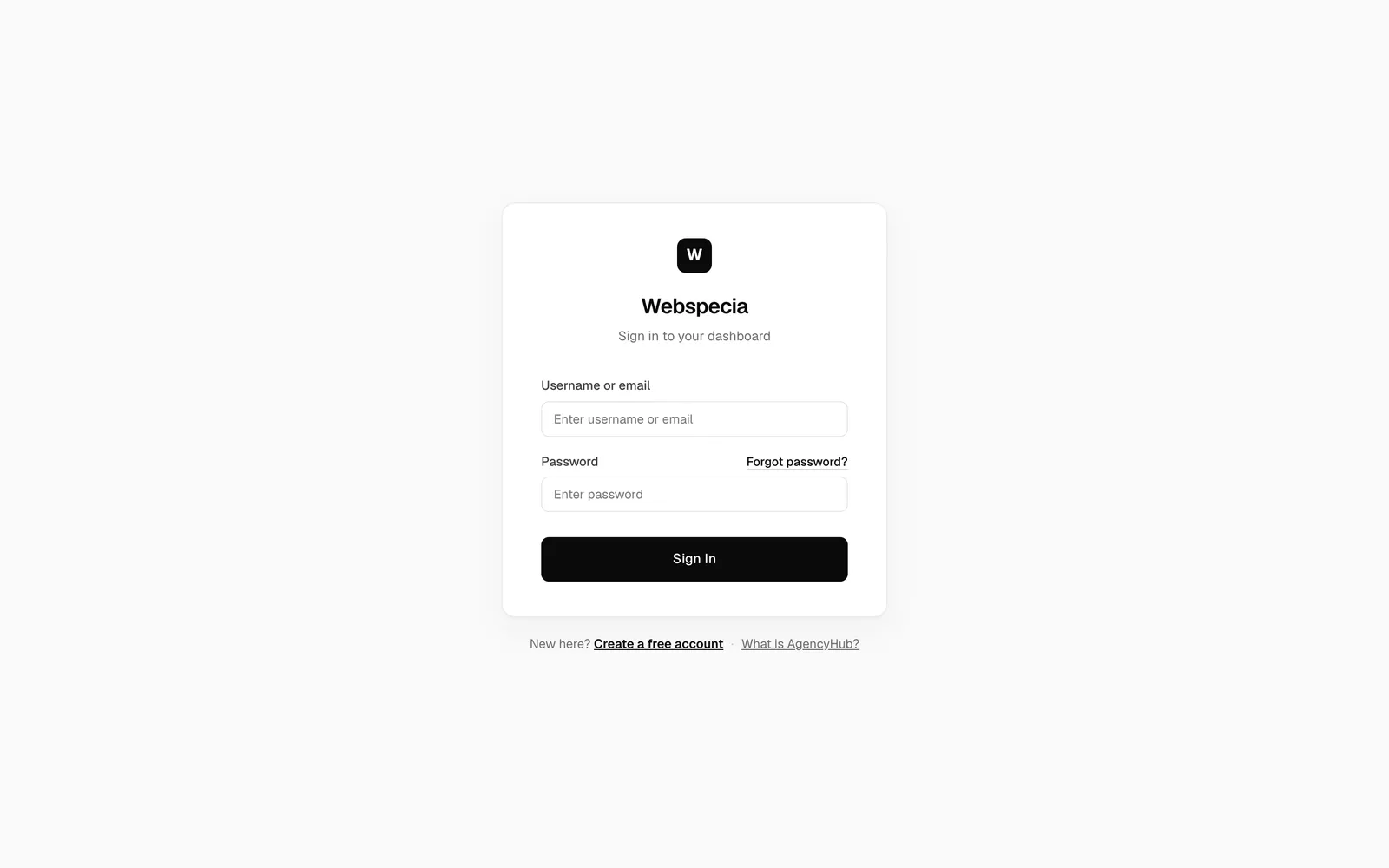
Log in and reset your password
Sign in with your username or email, and get a reset code if you forget your password.
Start here
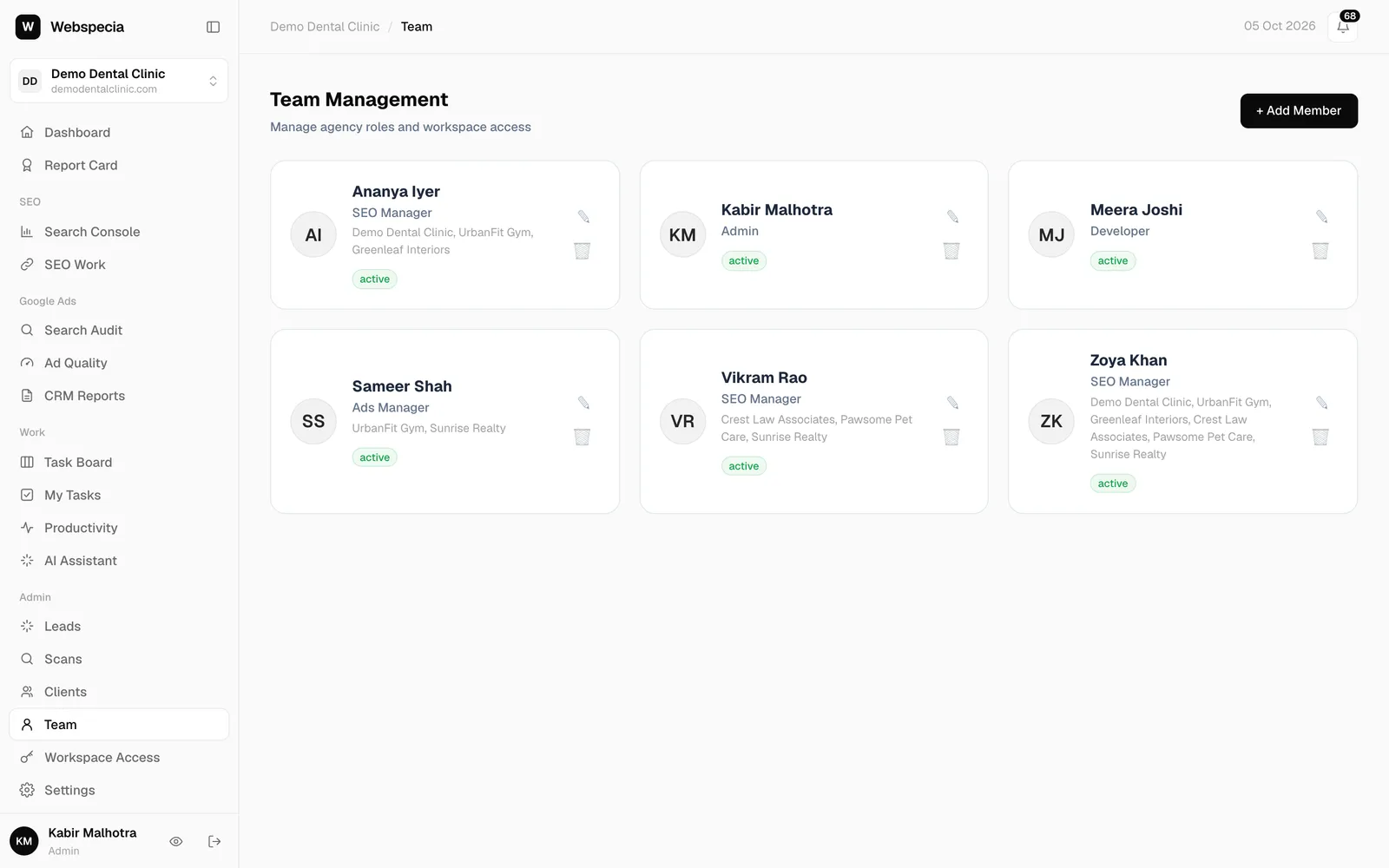
Roles and permissions
Exactly what each agency role and each client access level can see and do.
Agency owners & admins
For agency owners
Set up clients, your team, Search Console, monthly plans, niche profiles, approvals and client reports.
For agency owners
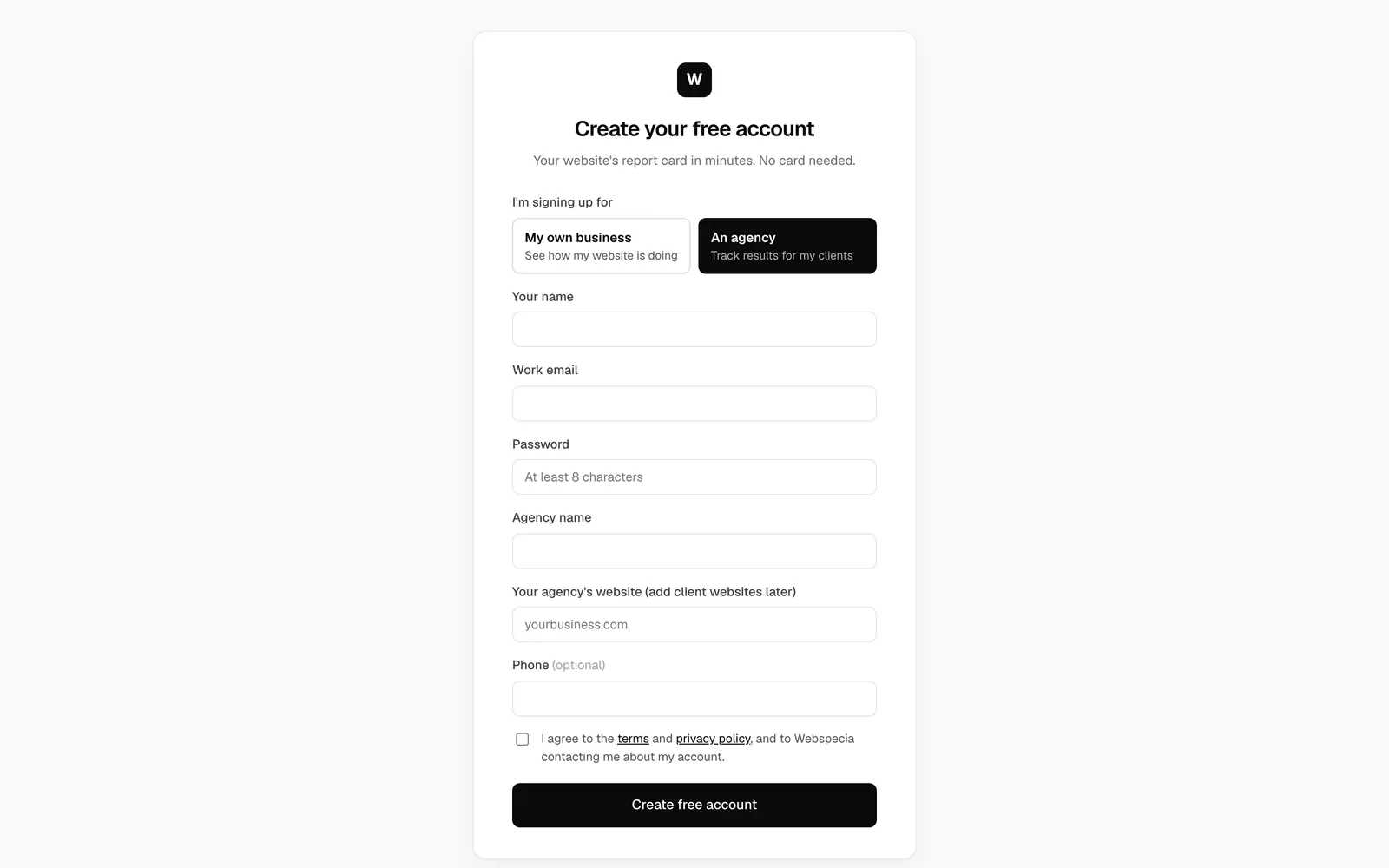
Get your agency account
Sign up as an agency, and how your admin login and first client workspaces are set up.
For agency owners
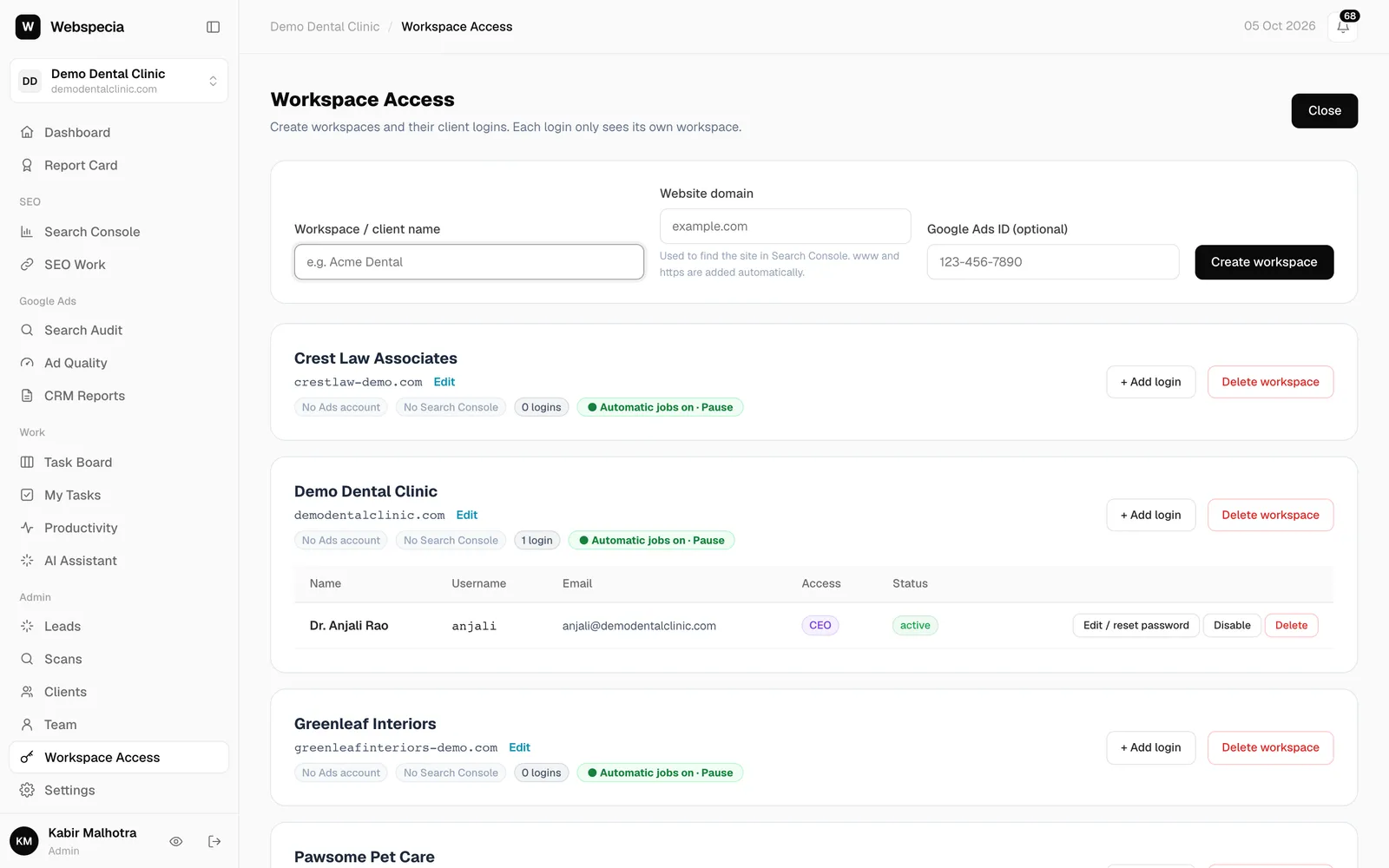
Create a client workspace
Add a client, set their website domain, switch between clients and pause or archive a workspace.
For agency owners
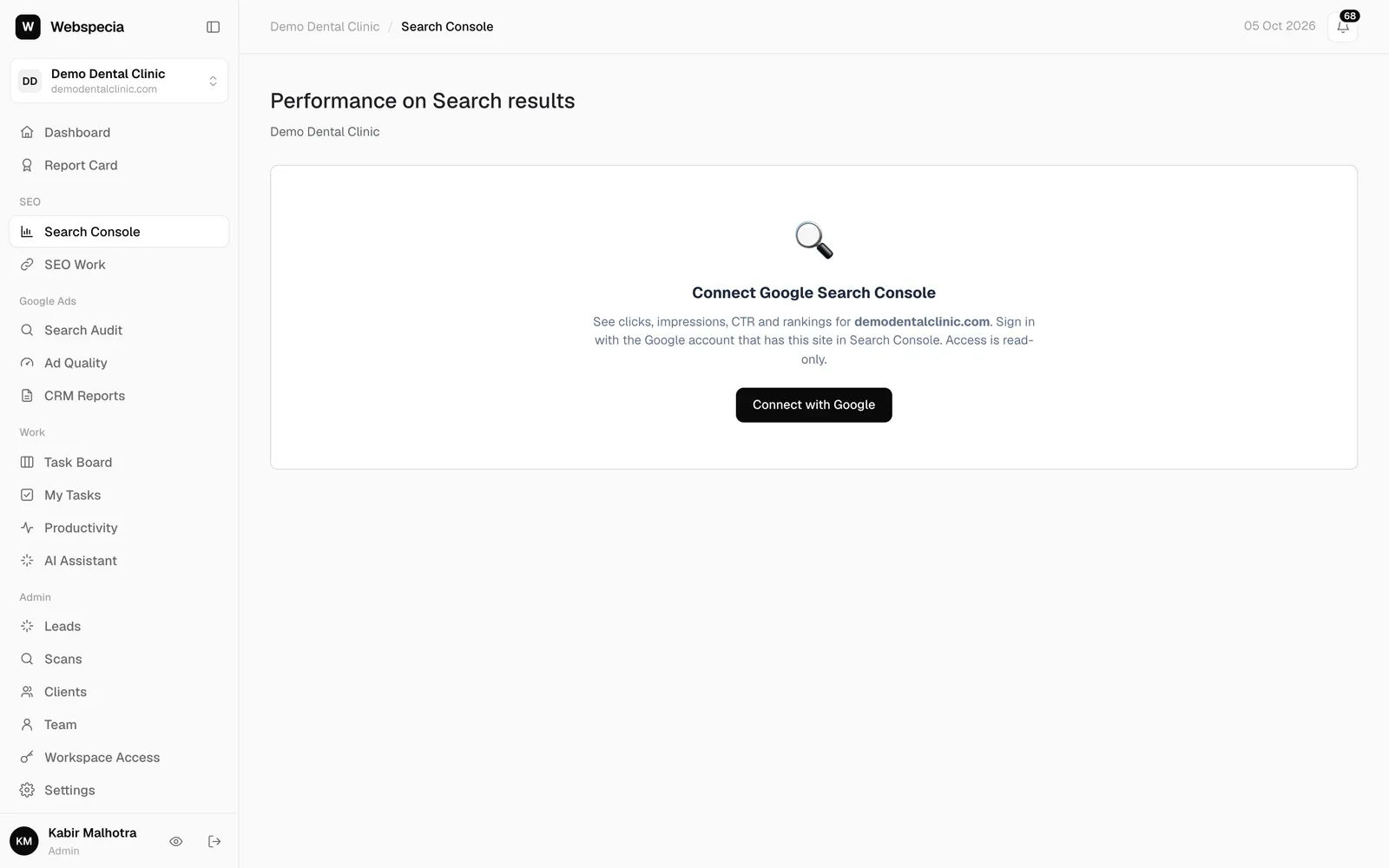
Connect Google Search Console
Give AgencyHub read-only access to a client’s Search Console so traffic and rankings appear.
For agency owners
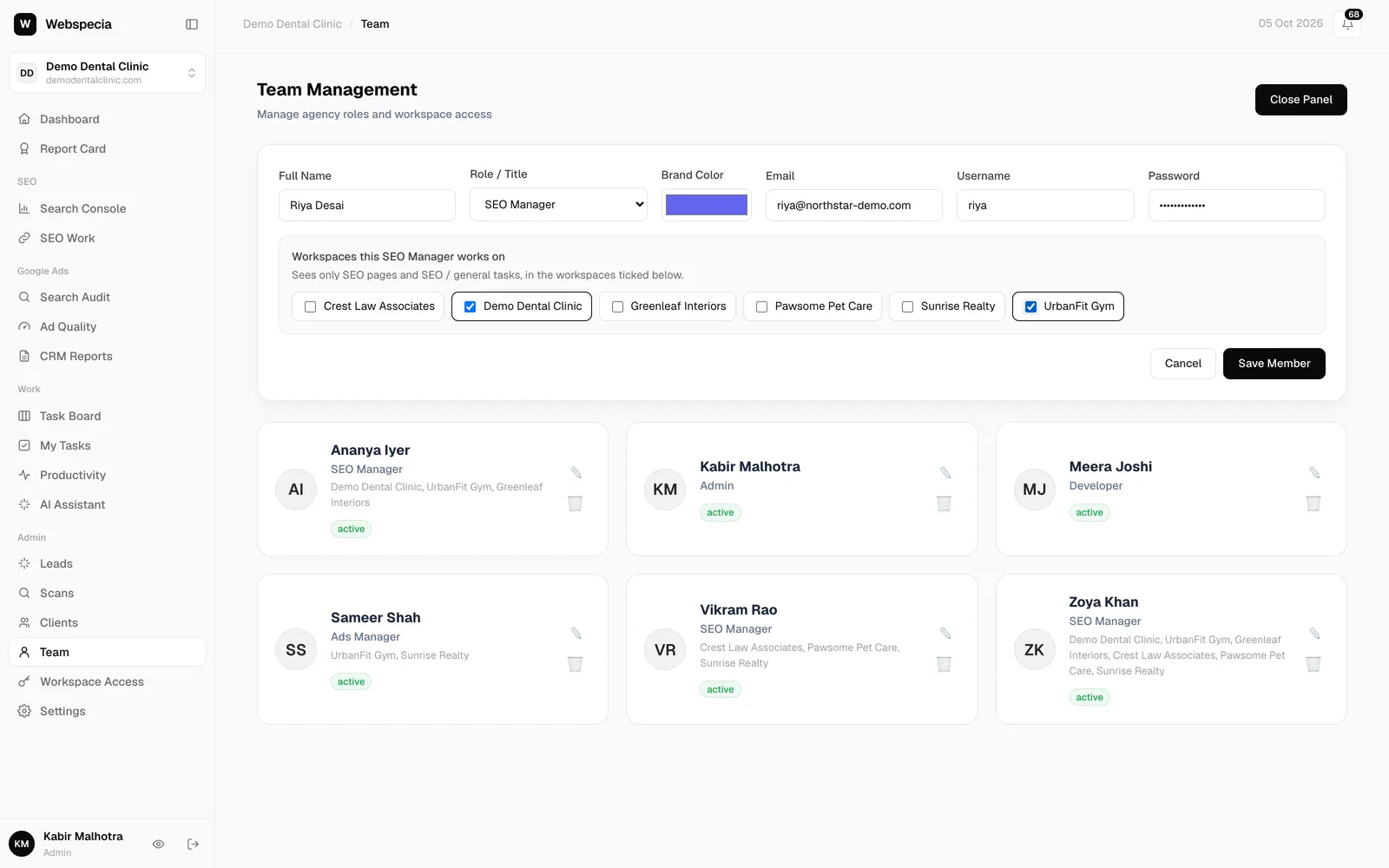
Add your team
Create logins for your SEO and ads staff, choose their role and assign the clients they work on.
For agency owners
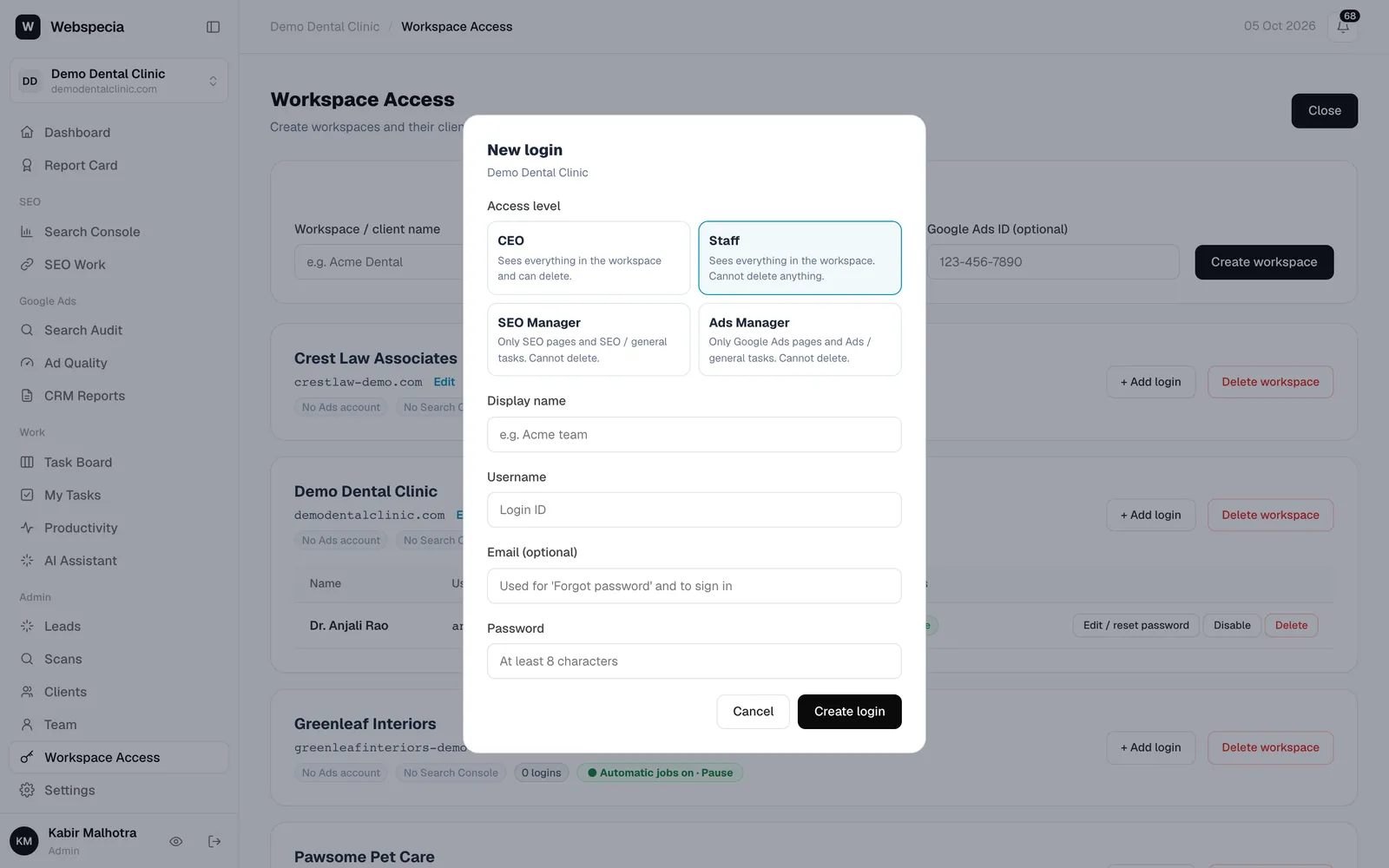
Give clients their own login
Create a CEO login for each client so they can see their report card, and let them add their own staff.
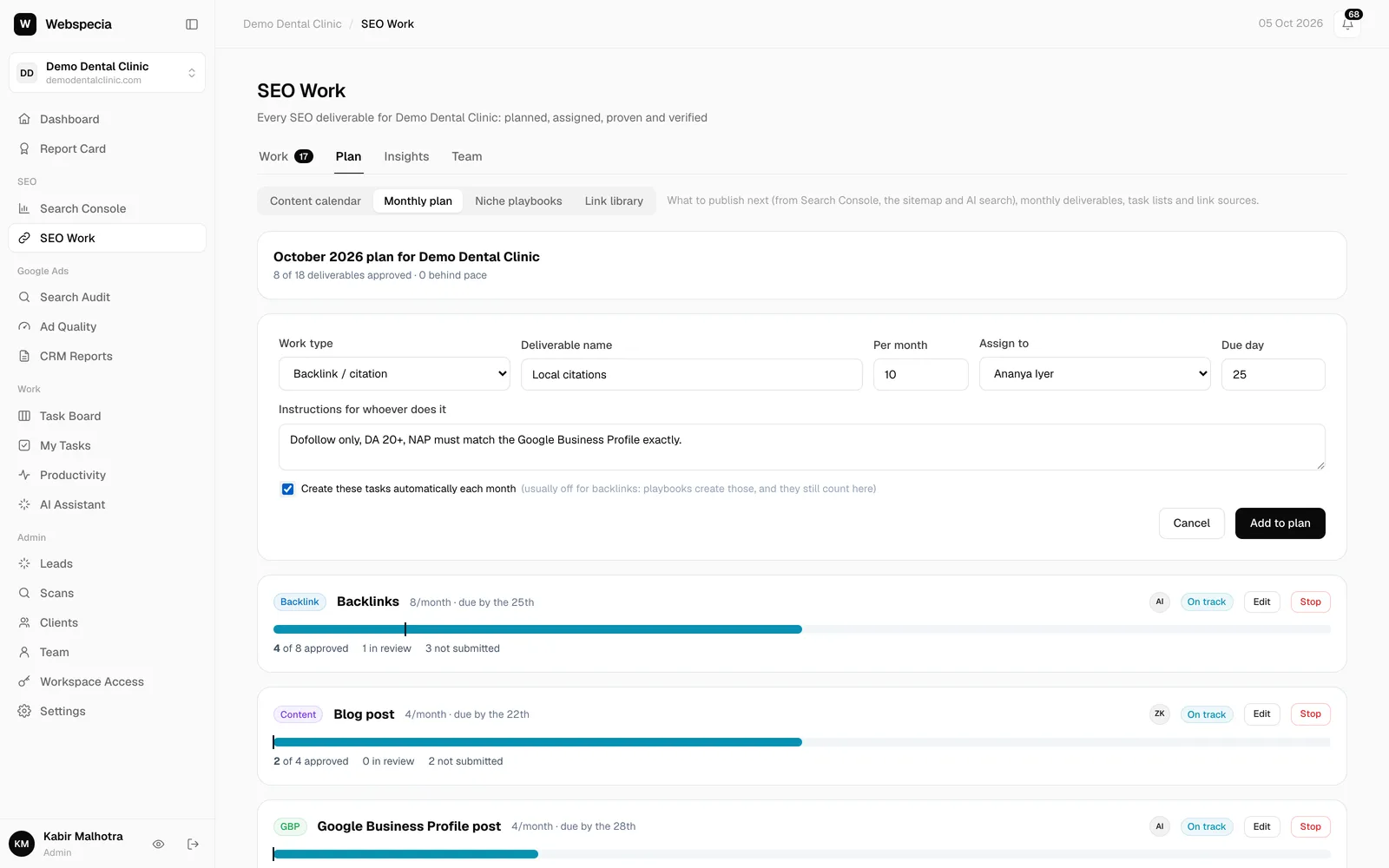
For agency owners
Set monthly SEO plans
Tell AgencyHub what each client gets every month. Tasks are created and assigned automatically.
SEO managers & specialists
For SEO specialists
Your daily routine, taking tasks, the pipeline, proof for every task, backlinks, content, site audits and AI search.
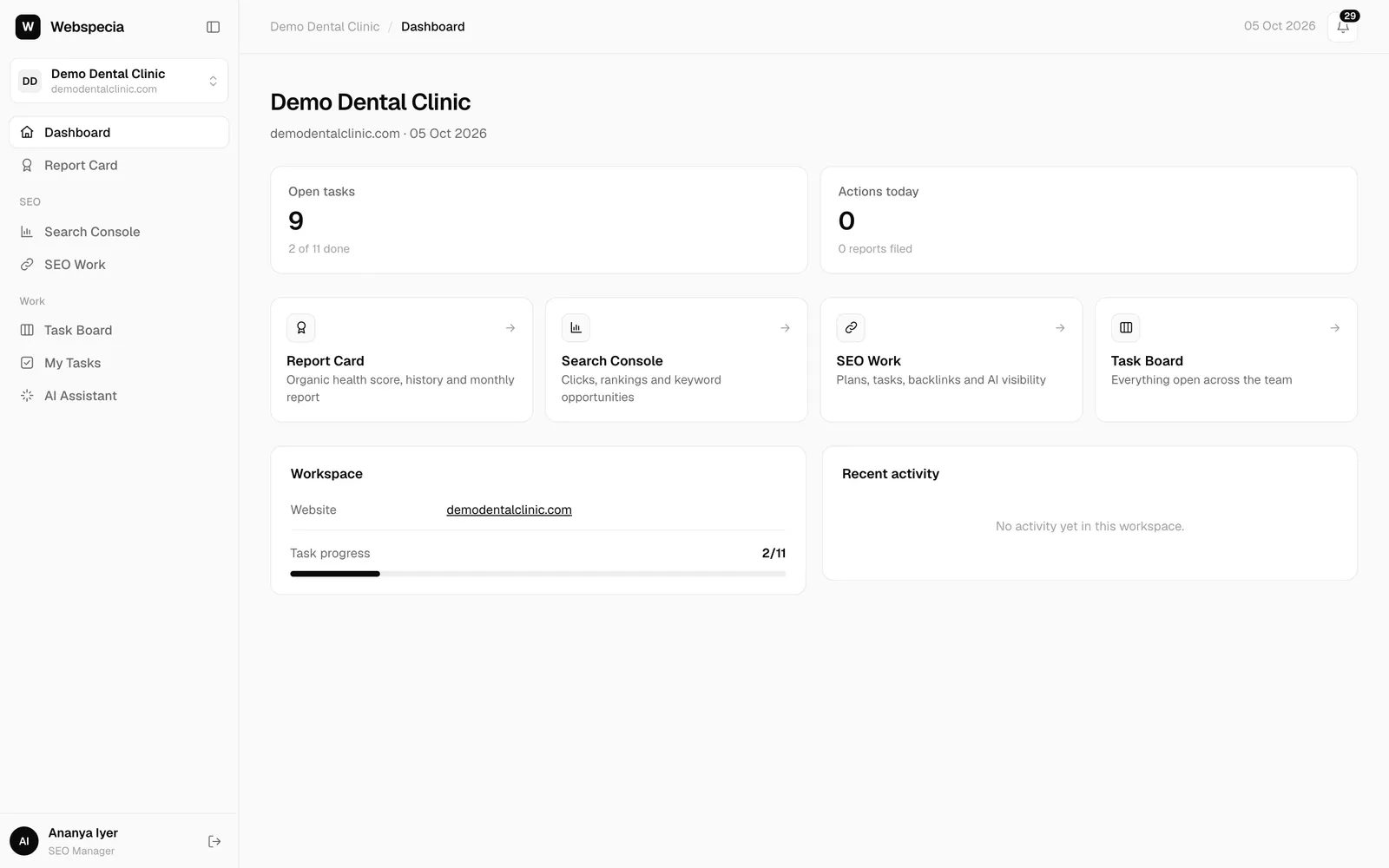
For SEO specialists
Your first day
Log in, open a client, and find your tasks, notifications and the pages you’ll use every day.
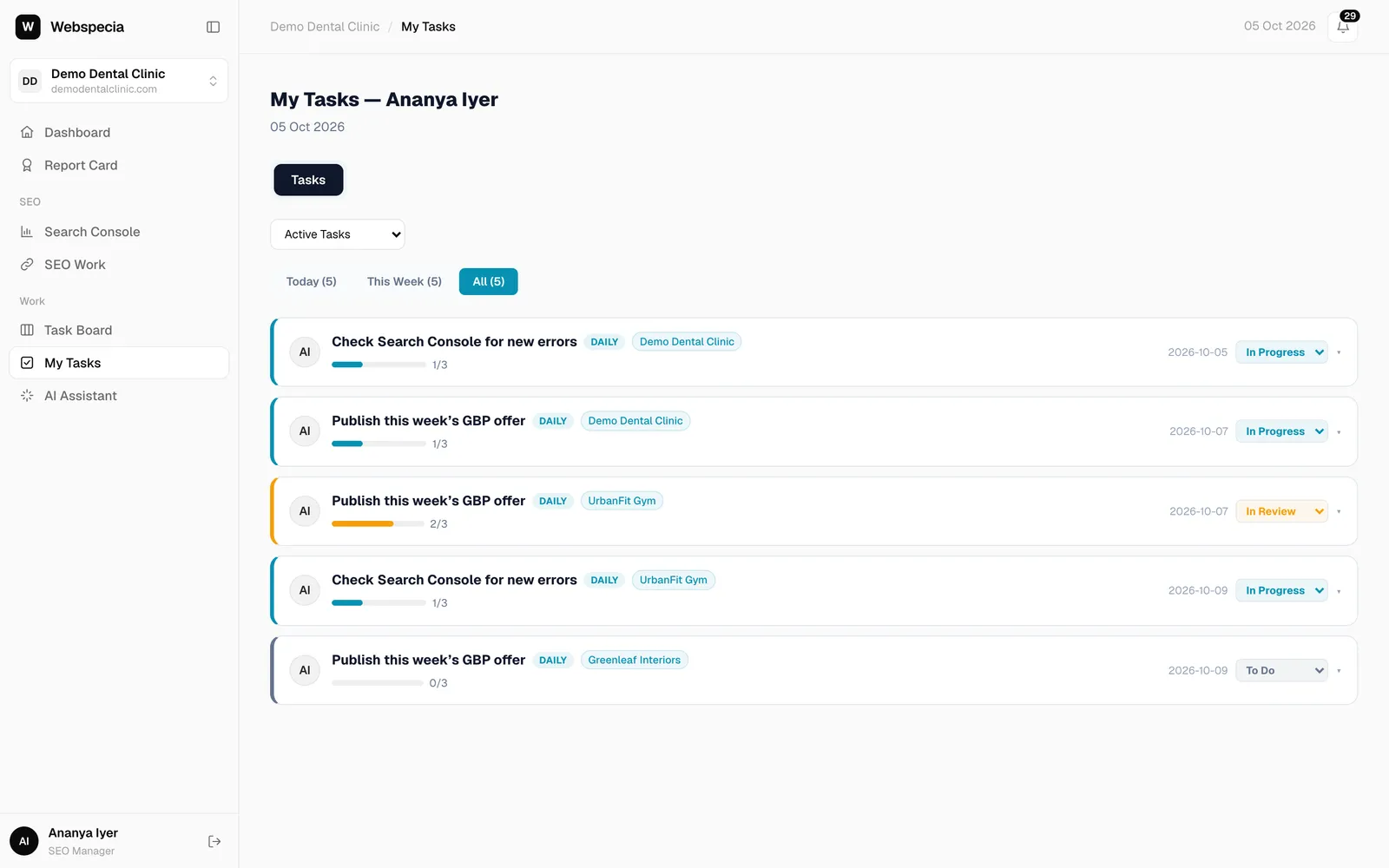
For SEO specialists
Your daily routine
A simple order of work: notifications, overdue tasks, today’s checklist, then the pipeline.
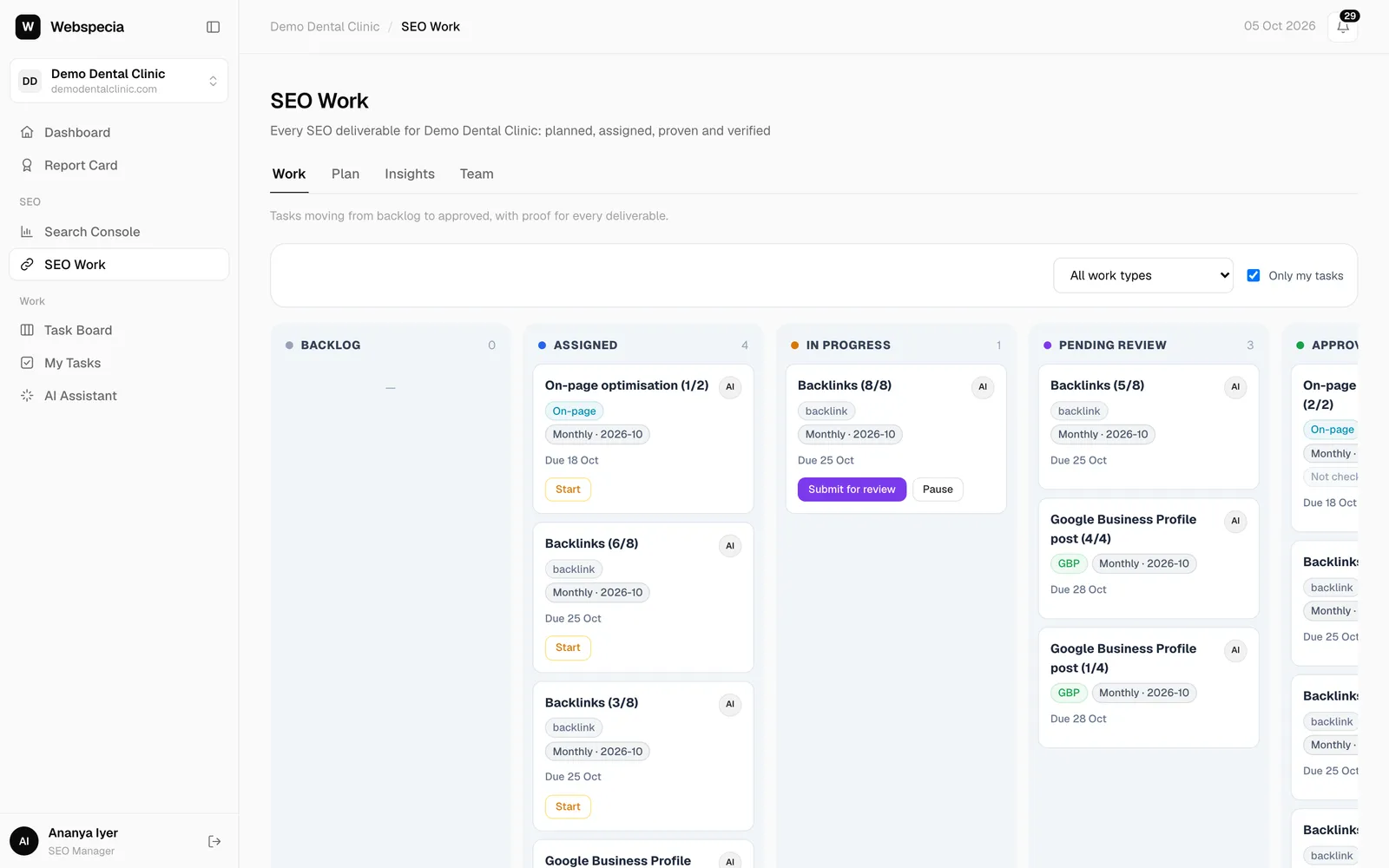
For SEO specialists
Work the SEO pipeline
How a task moves from Assigned to Approved, and what each button does.
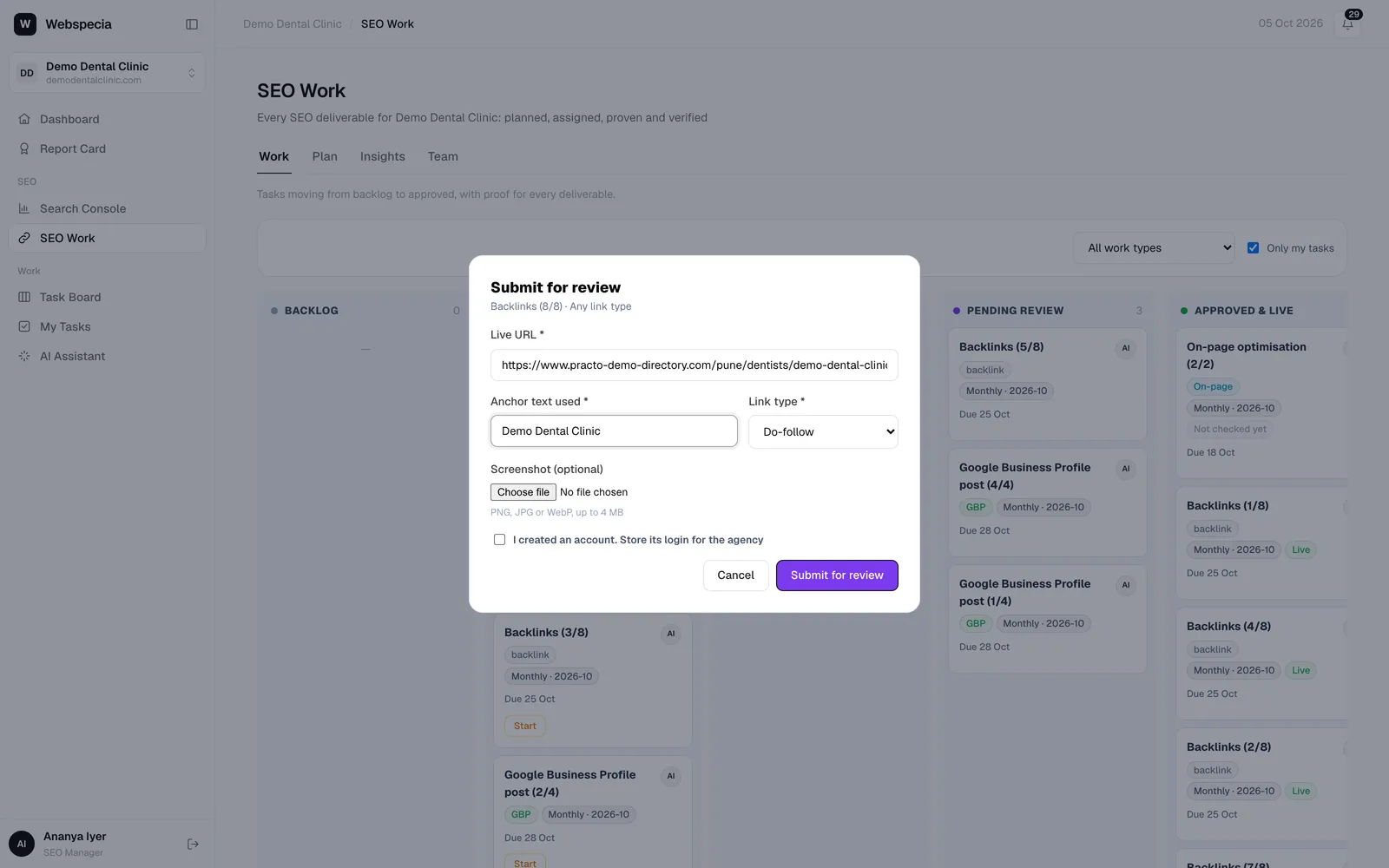
For SEO specialists
Submit proof for each work type
The exact proof AgencyHub asks for: backlinks, content, on-page, technical and Google Business Profile.
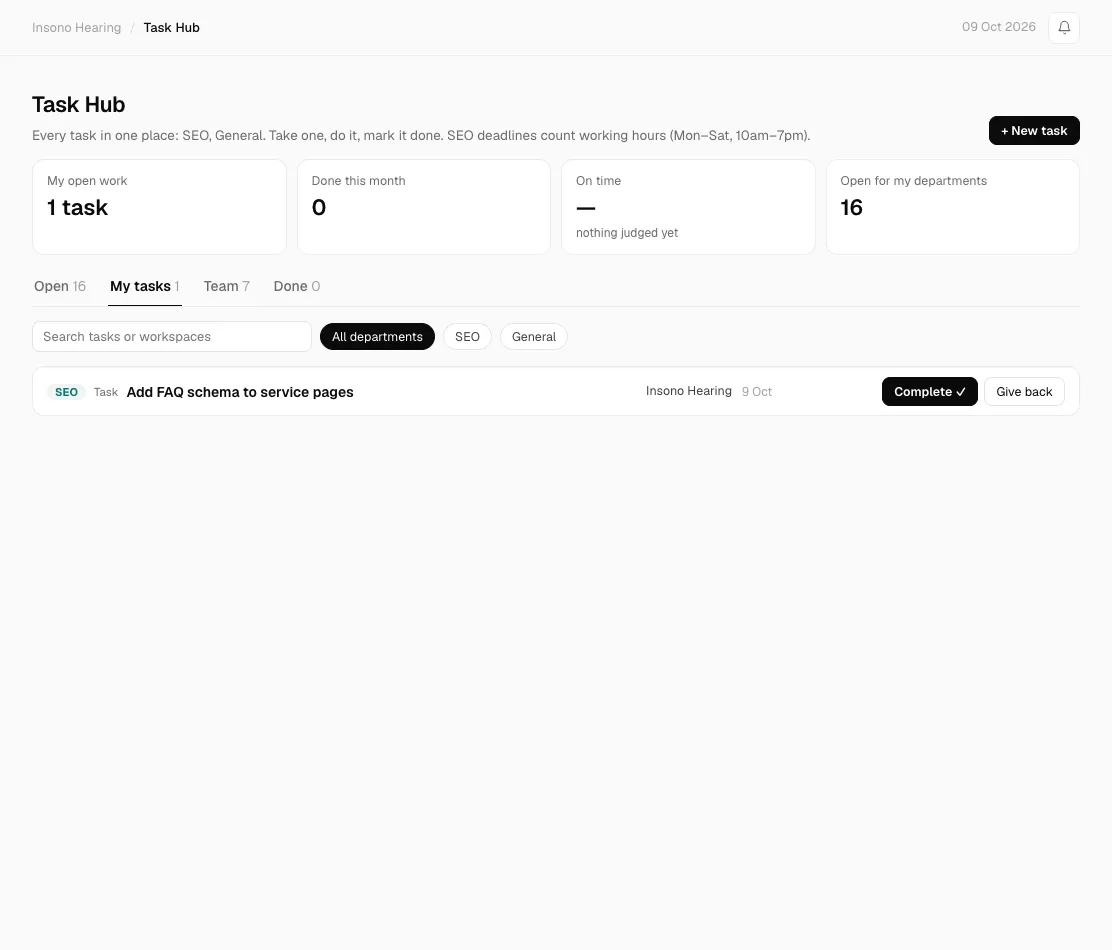
For SEO specialists
Take tasks from the Task Hub
Every task for your department in one place: take one with a click, finish it, and see your productivity.
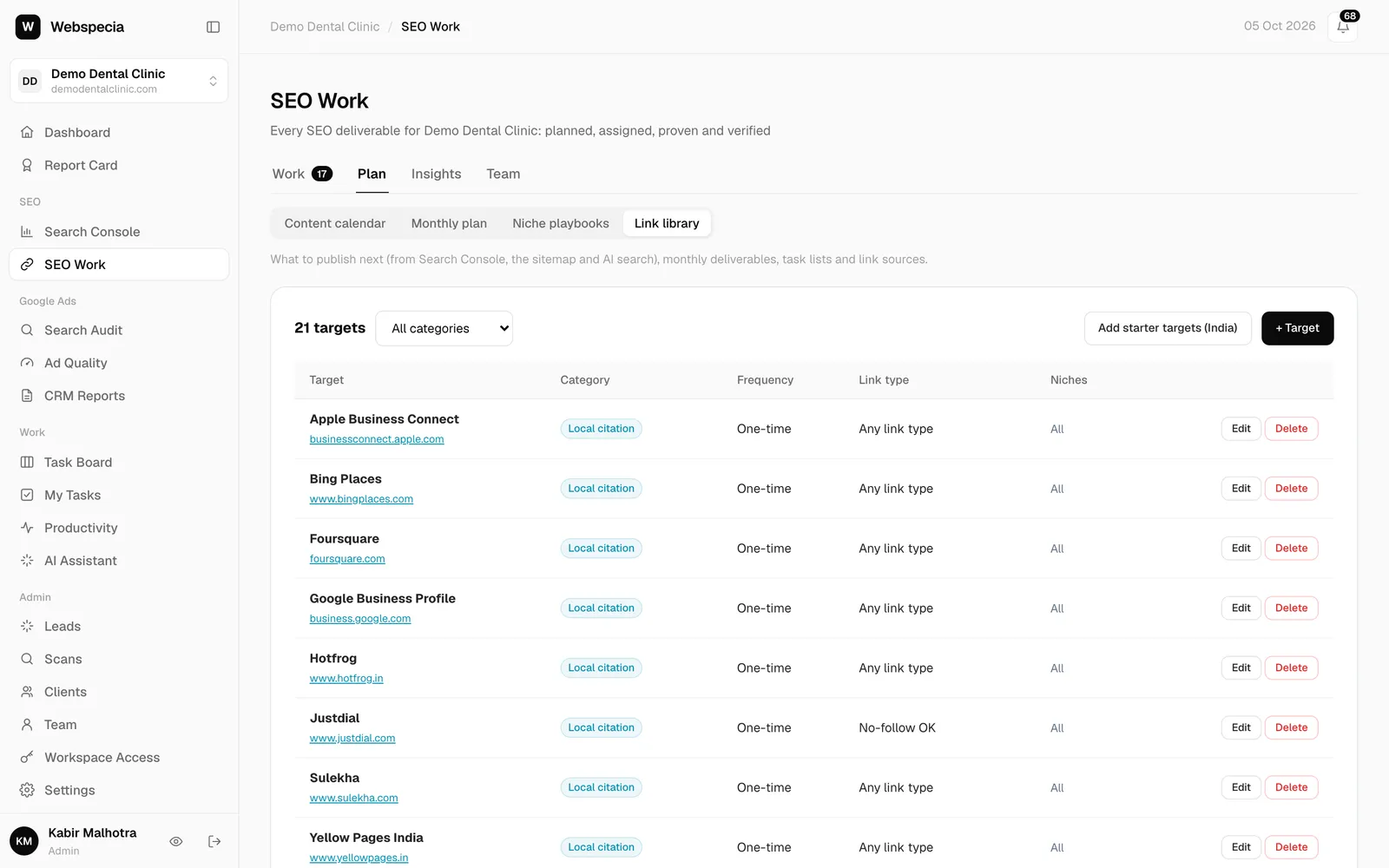
For SEO specialists
Build backlinks and citations
Use the target, guidelines and link rules on each task to build links that pass review and stay live.
Clients & business owners
For clients & business owners
Sign up free, connect Search Console, read your report card and see the work done for you.
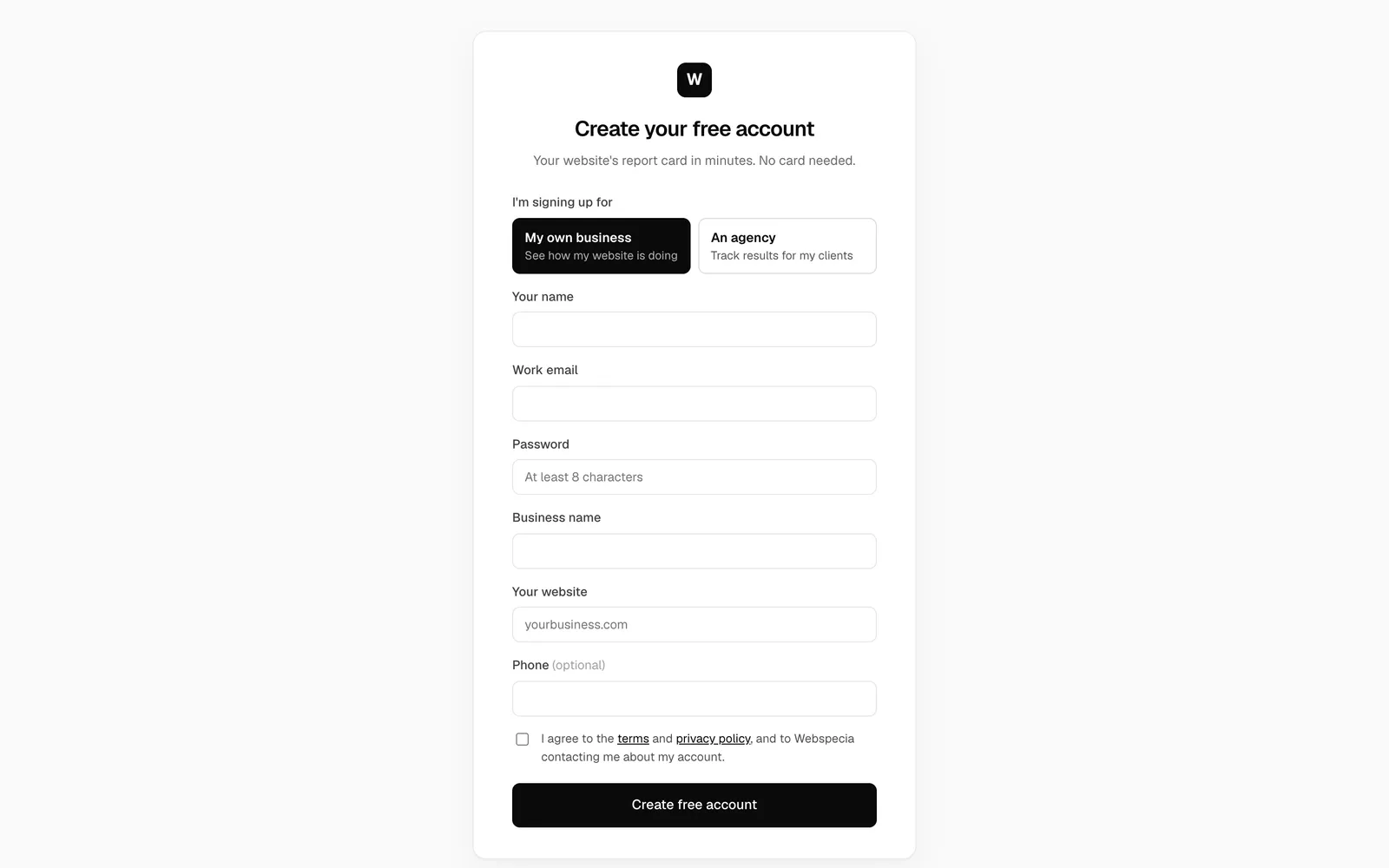
For clients & business owners
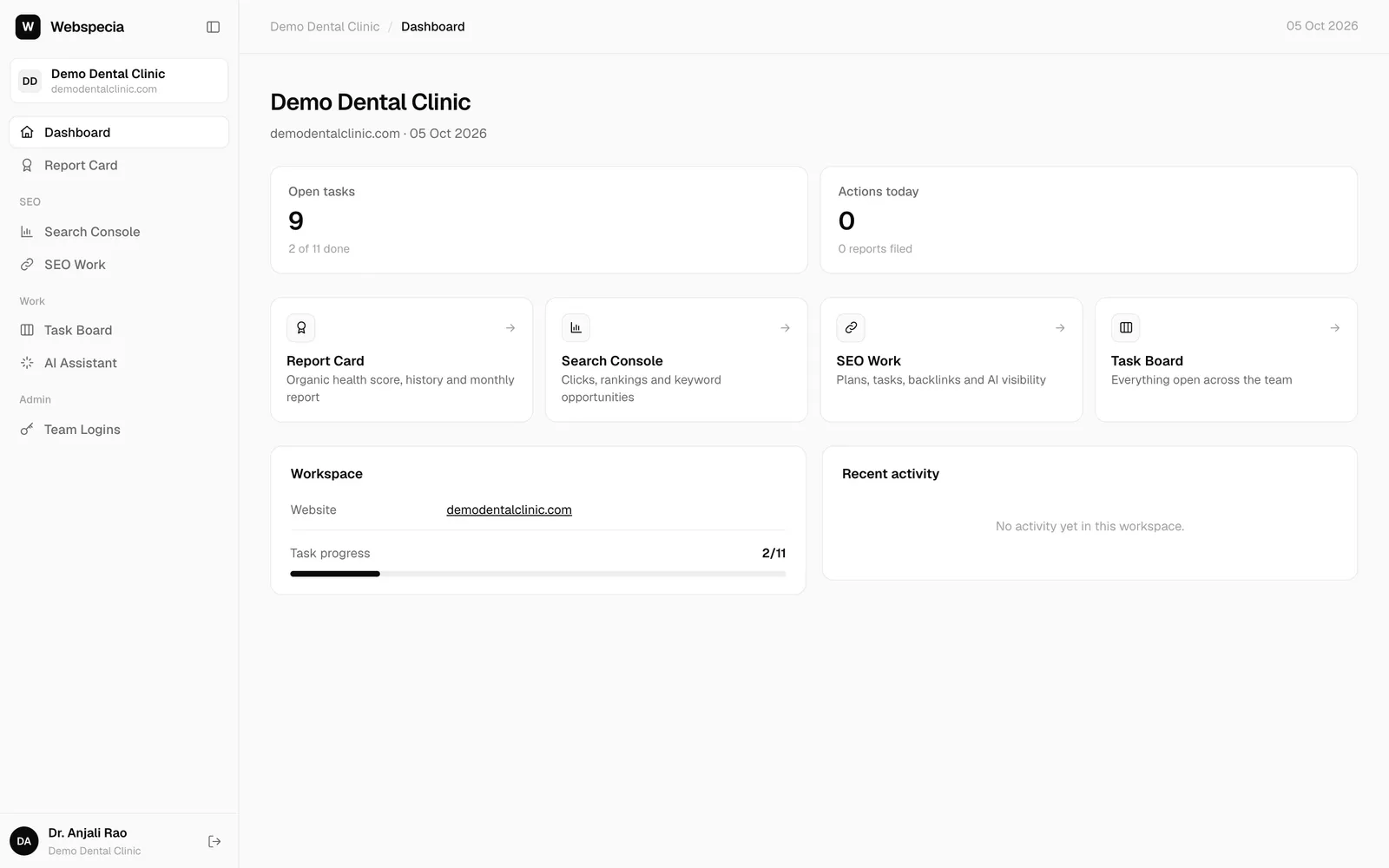
Sign up for free
Create a free account for your business and get your website report card in minutes.
For clients & business owners
Your first login
Sign in, find your way around and see what your agency is doing for you.
For clients & business owners
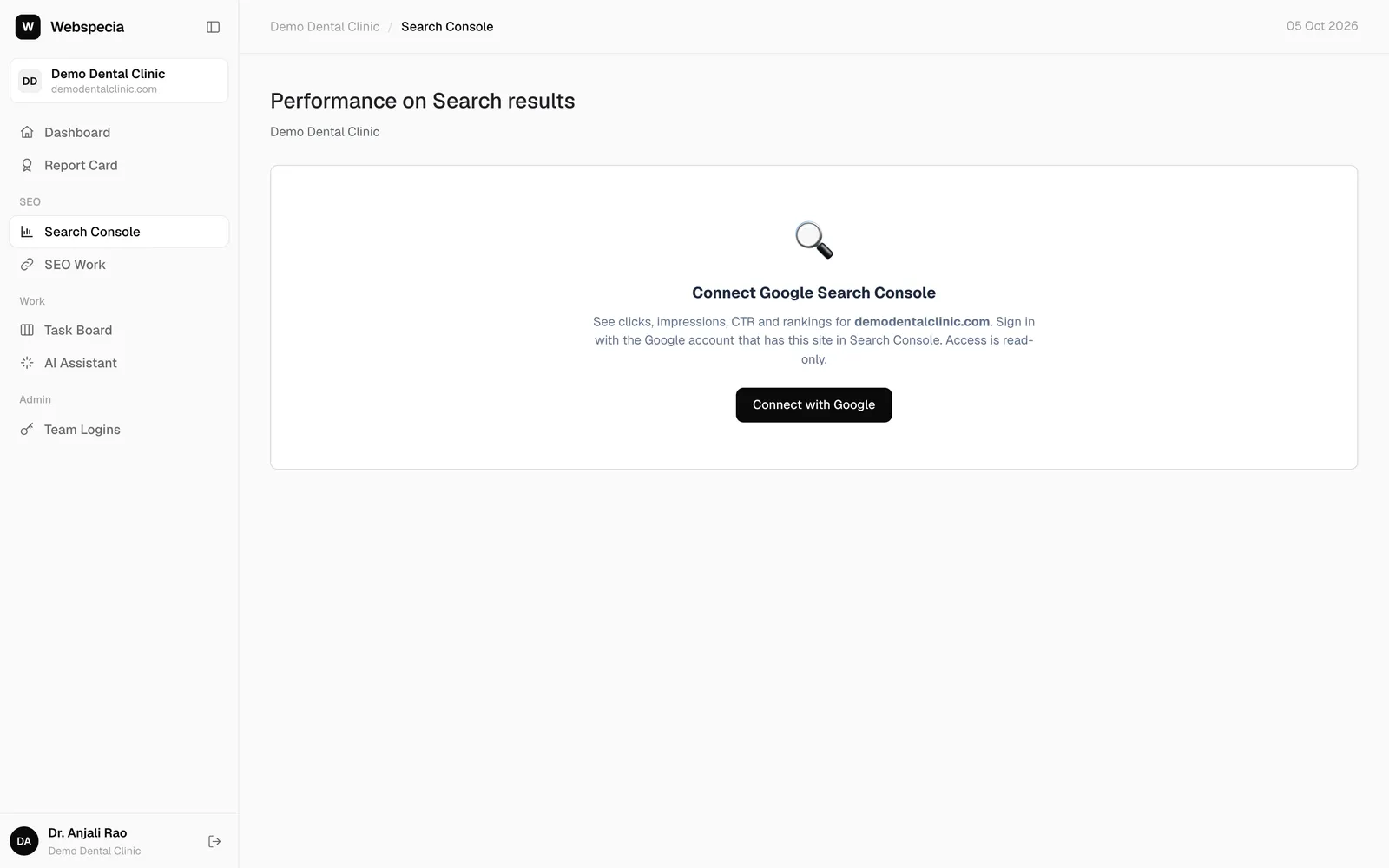
Connect Google Search Console
Link your Google Search Console (read-only) so your visitors, rankings and best pages appear.
For clients & business owners
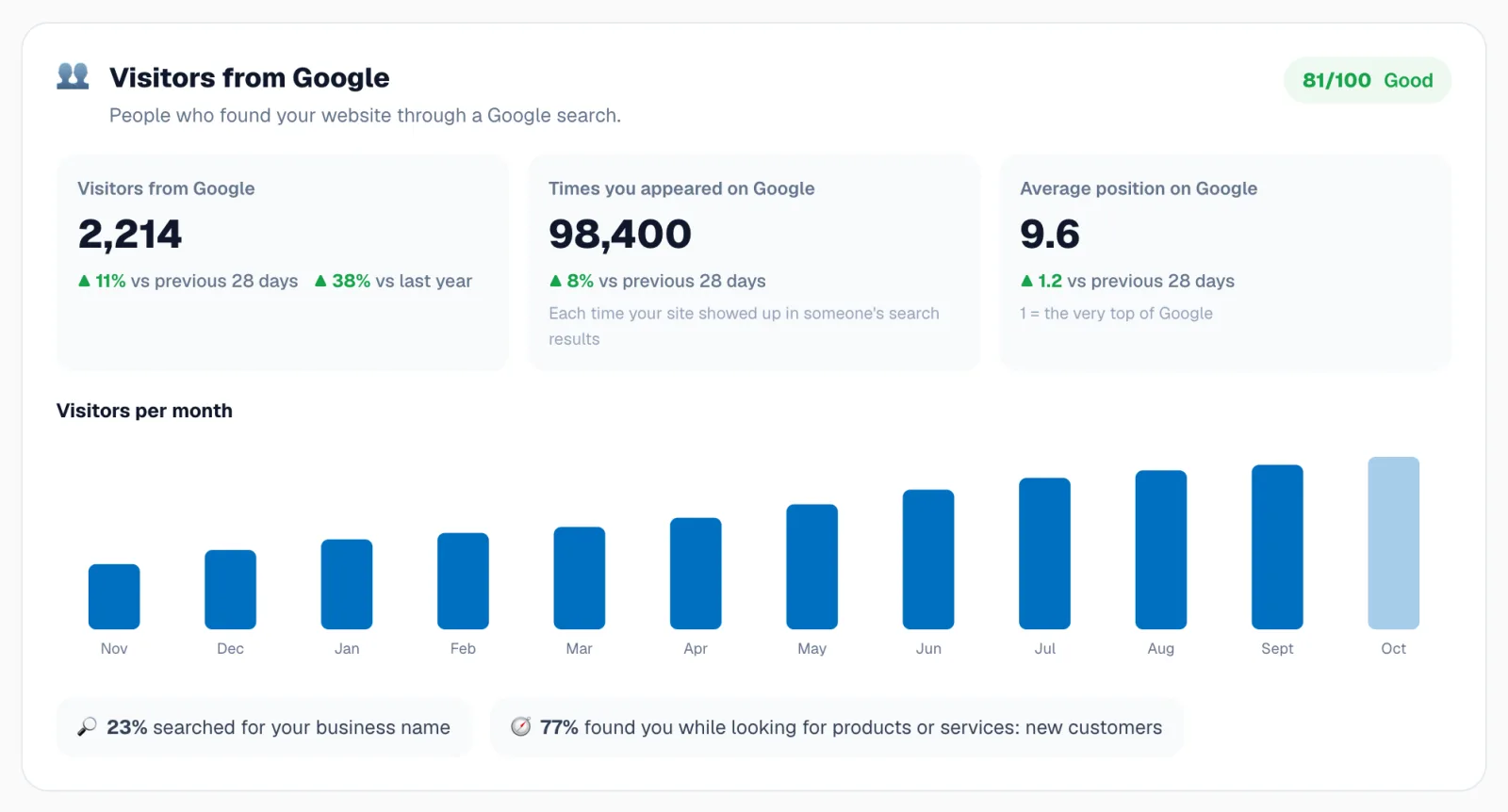
Read your report card
What your score out of 100 means, the five pillars, and how to see progress month by month.
For clients & business owners
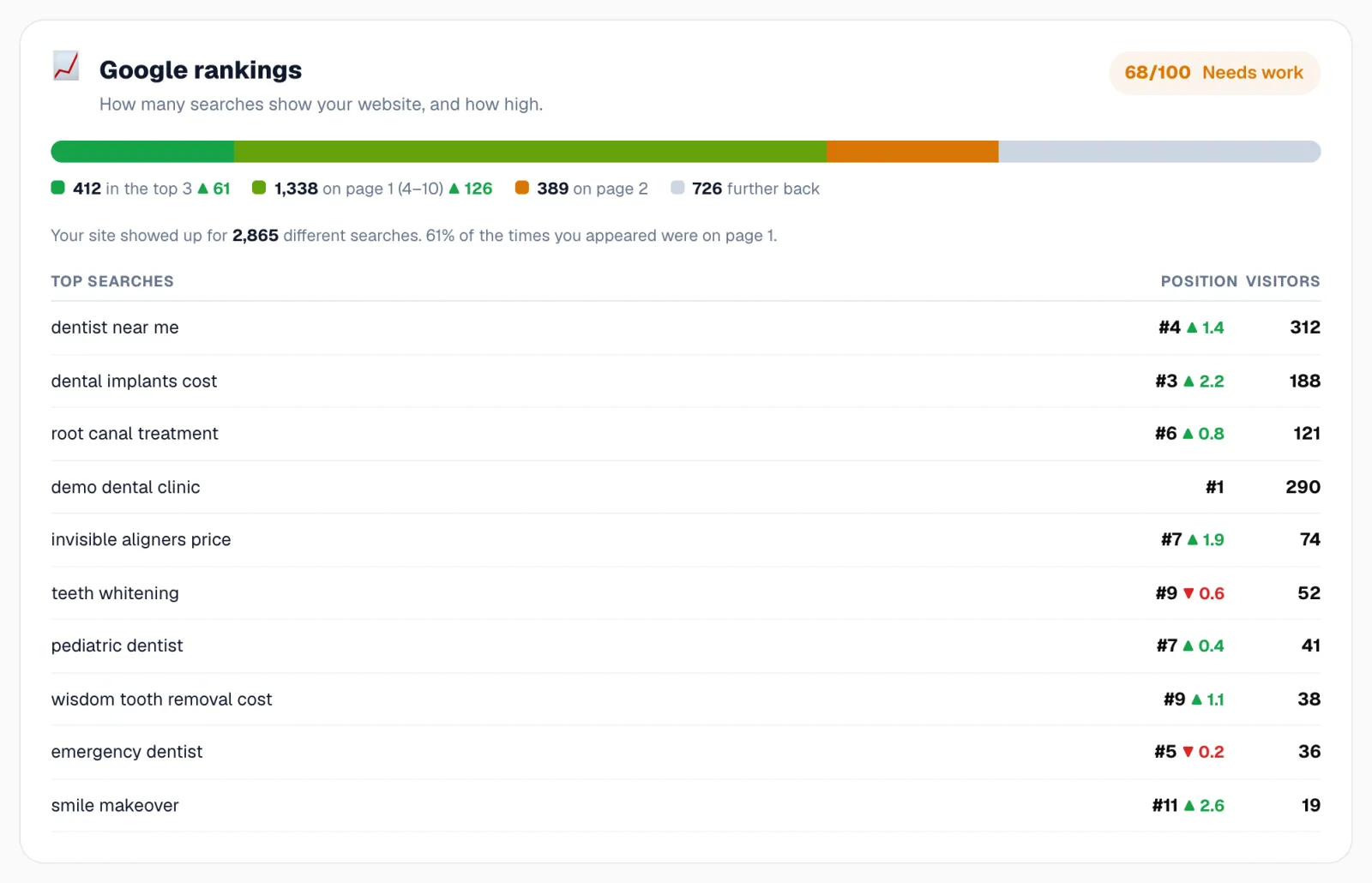
Report card sections explained
Visitors, rankings, best pages, content, website health, reputation, AI search and opportunities, one by one.
For clients & business owners
Use the Search Console report
Explore your Google searches, pages and keywords, and track the keywords that matter to you.