
Browse all guides
For agency owners
- Get your agency account
- Create a client workspace
- Connect Google Search Console
- Add your team
- Give clients their own login
- Set monthly SEO plans
- Build your link library
- Create and apply niche profiles
- Review and approve work
- Monitor link health
- Track team performance
- Report cards and client emails
- Backlink profile
- Track AI search (AEO & GEO)
- Recurring tasks and the Task Board
For clients & business owners · 2 min read
Your first login
Sign in, find your way around and see what your agency is doing for you.
- Your agency gives you a username (or you use your email) and a password. Sign in at ai.webspecia.in/login.
- You go straight to your business’s workspace. You only ever see your own business.
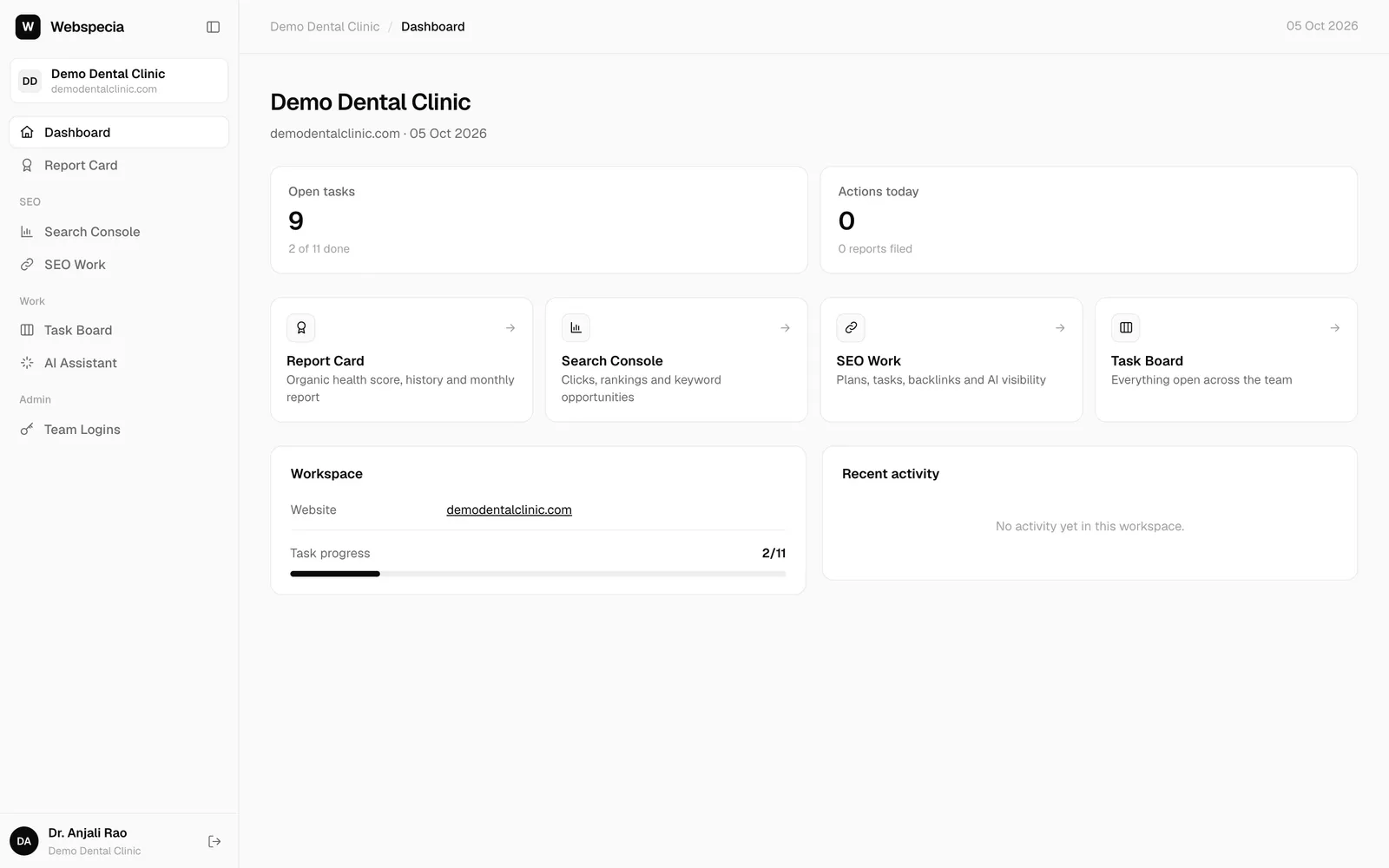
Your pages
| Page | What you’ll find |
|---|---|
| Dashboard | A summary of your workspace and open tasks. |
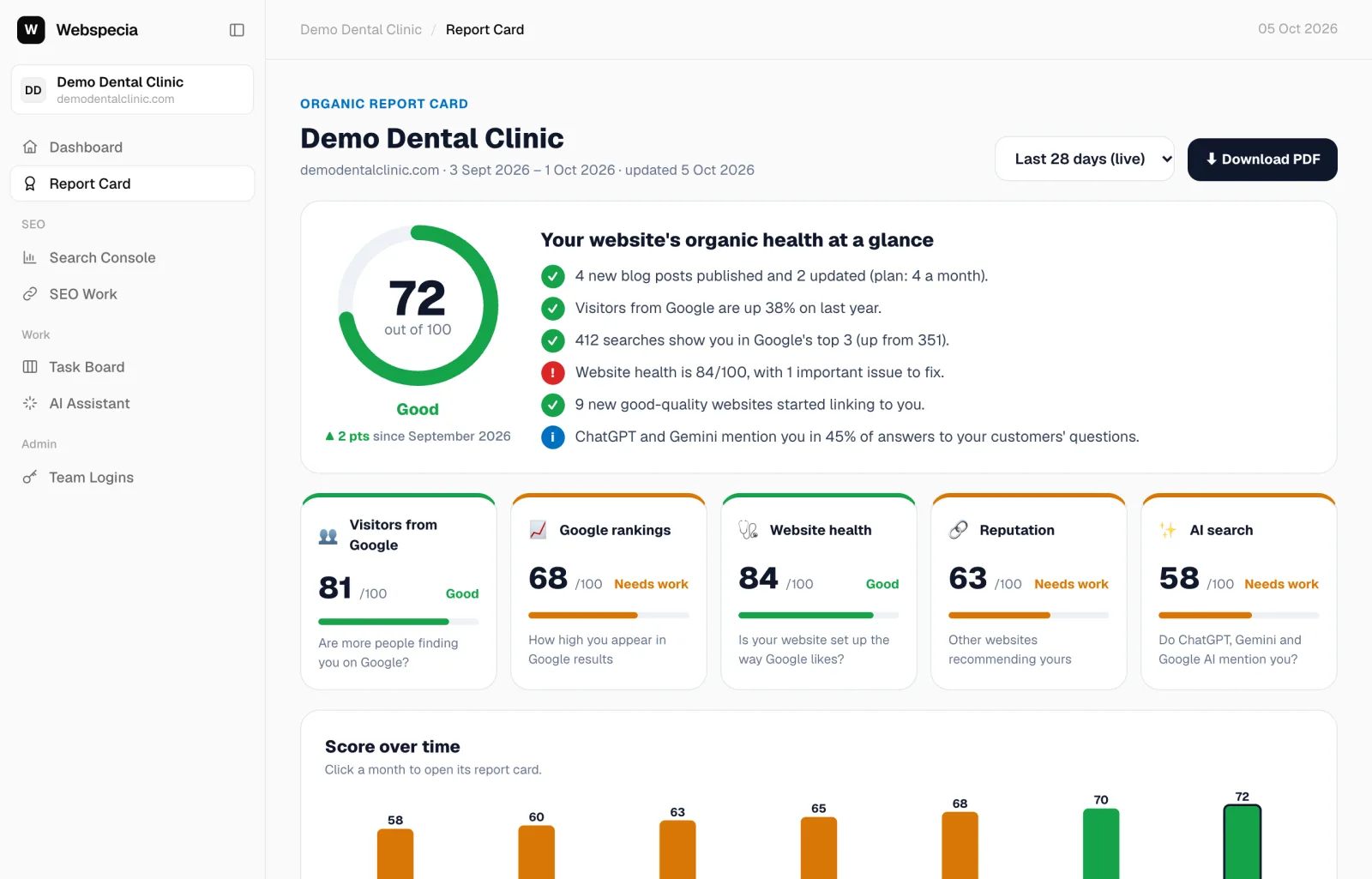
| Report Card | Your website’s score out of 100 and what changed this month. |
| Search Console | Visitors, searches and keywords from Google. |
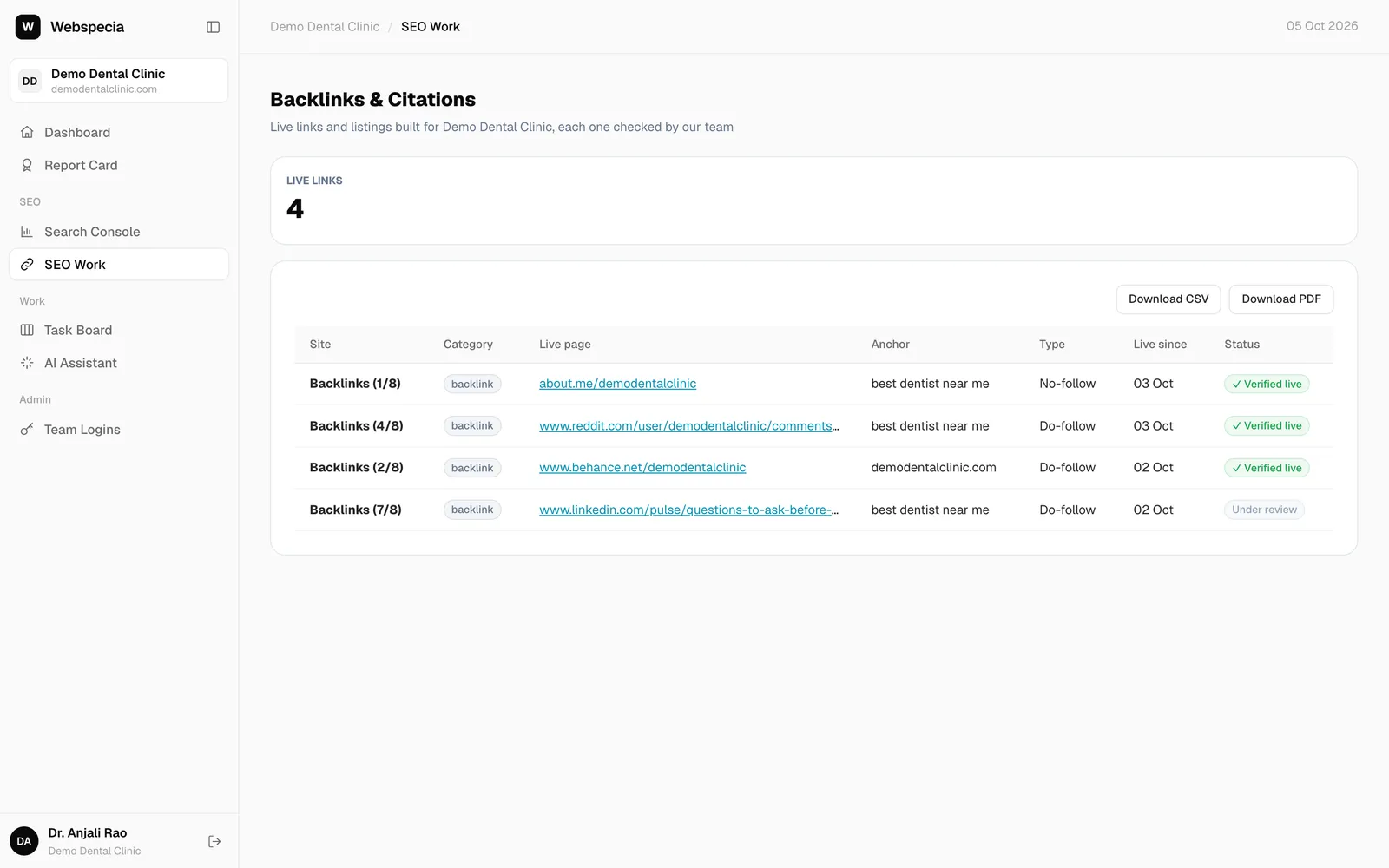
| SEO Work | Backlinks & Citations: every link your agency built for you, verified live. |
| Task Board | Work in progress for your business. |
| Team Logins | CEO logins only: add logins for your own staff. |
What you can see depends on your access level (CEO, Staff, SEO Manager or Ads Manager). Only CEO logins can delete anything. See Roles and permissions.
Still stuck? Our team will walk you through it.
Talk to Webspecia