
Browse all guides
- Get your agency account
- Create a client workspace
- Connect Google Search Console
- Add your team
- Give clients their own login
- Set monthly SEO plans
- Build your link library
- Create and apply niche profiles
- Review and approve work
- Monitor link health
- Track team performance
- Report cards and client emails
- Backlink profile
- Track AI search (AEO & GEO)
- Recurring tasks and the Task Board
For clients & business owners · 2 min read
Read your report card
What your score out of 100 means, the five pillars, and how to see progress month by month.
Open Report Card in the sidebar. At the top you see your overall score out of 100 and a short summary of what changed, in plain English.
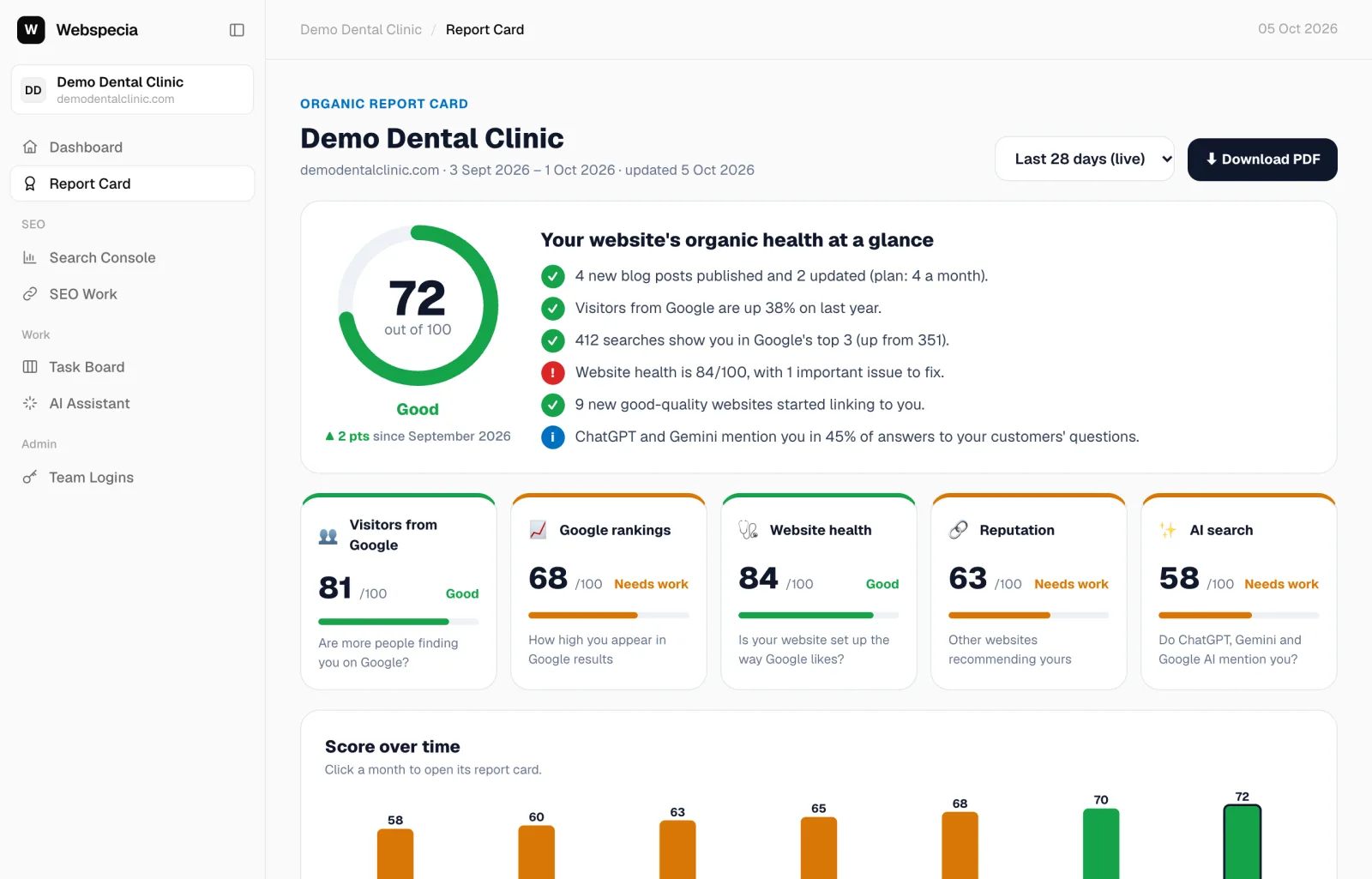
The five pillars
| Pillar | Question it answers | Weight |
|---|---|---|
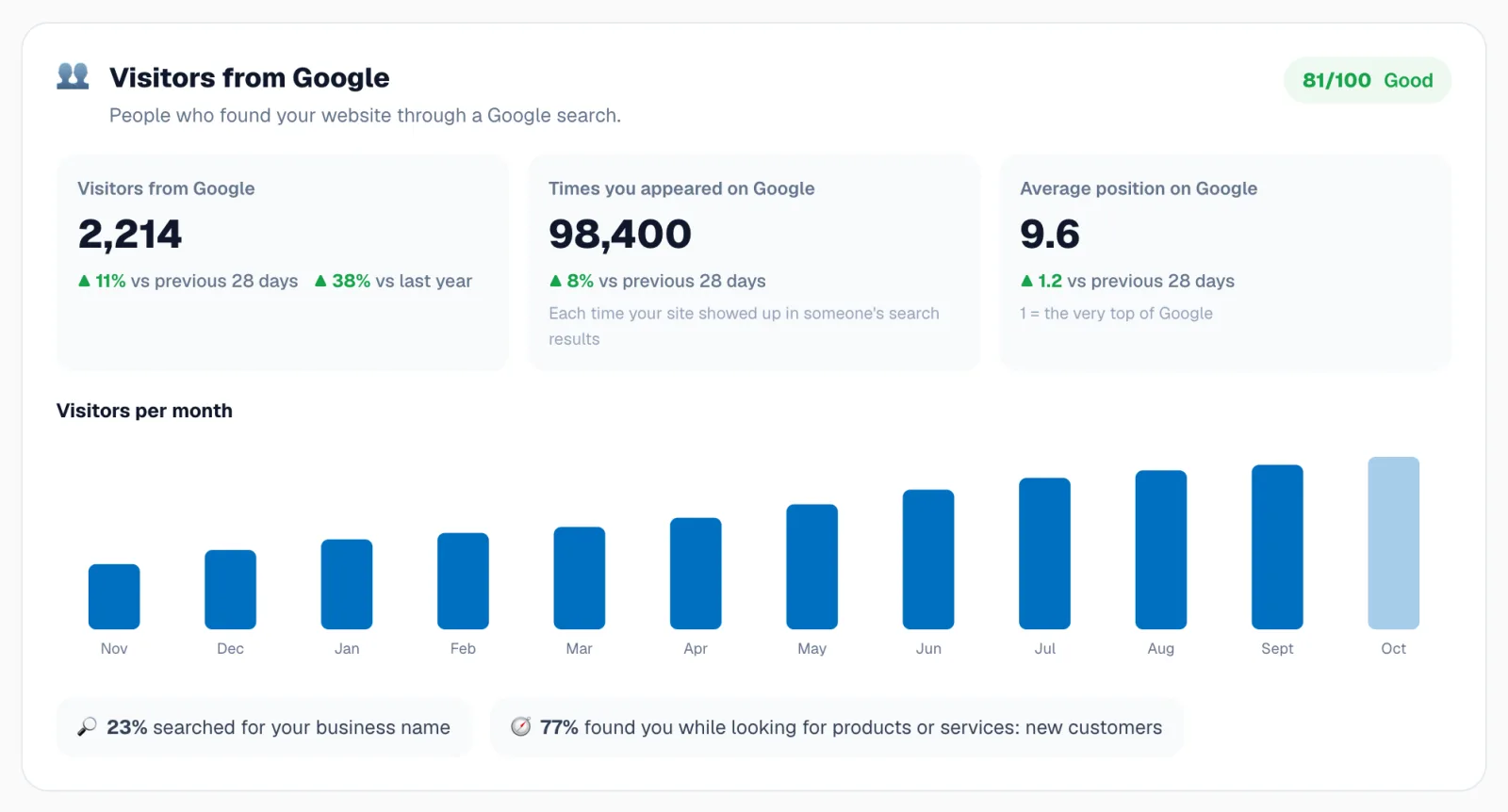
| Visitors from Google | Are more people finding you on Google? Compared with last year where possible. | 25% |
| Google rankings | How high you appear, and how often you are on page 1. | 25% |
| Website health | Is your website set up the way Google likes? From the weekly website scan. | 20% |
| Reputation | Other websites recommending yours (backlinks) and their strength. | 15% |
| AI search | Do ChatGPT, Gemini and Google AI mention you? Needs 10 tracked questions. | 15% |
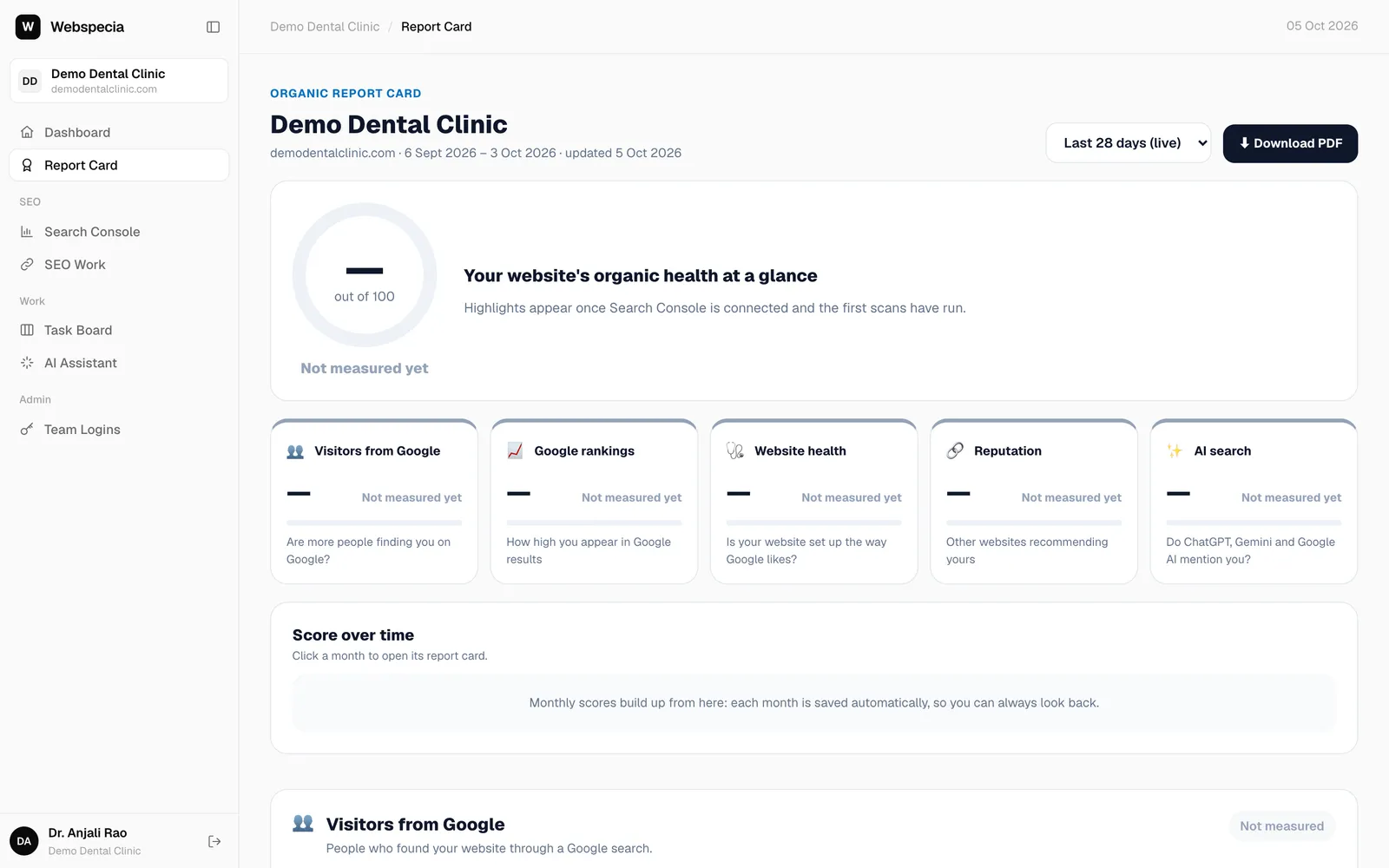
Each pillar is graded Good (70+), Needs work (45–69) or Poor (below 45). A pillar without data says Not measured yet and doesn’t pull your overall score down.
Live and past months
- The dropdown at the top shows Last 28 days (live) and every saved month.
- A snapshot is saved automatically early each month. Past months never change.
- Score over time shows the trend. Click a month to open its report card.
Download it
Click ⬇ Download PDF to save or share the report. See Download PDF reports.
Related guides
For clients & business owners
Report card sections explained
Visitors, rankings, best pages, content, website health, reputation, AI search and opportunities, one by one.
For clients & business owners
Download PDF reports
Save your report card, Search Console report or link list as a PDF, and receive monthly emails.
Still stuck? Our team will walk you through it.
Talk to Webspecia