
Browse all guides
- Get your agency account
- Create a client workspace
- Connect Google Search Console
- Add your team
- Give clients their own login
- Set monthly SEO plans
- Build your link library
- Create and apply niche profiles
- Review and approve work
- Monitor link health
- Track team performance
- Report cards and client emails
- Backlink profile
- Track AI search (AEO & GEO)
- Recurring tasks and the Task Board
For agency owners · 2 min read
Get your agency account
Sign up as an agency, and how your admin login and first client workspaces are set up.
Sign up
- Go to ai.webspecia.in/signup.
- Under I’m signing up for, choose An agency.
- Fill in Your name, Work email, a Password (at least 8 characters), your Agency name and Your agency’s website. Phone is optional.
- Tick the terms box and click Create free account.
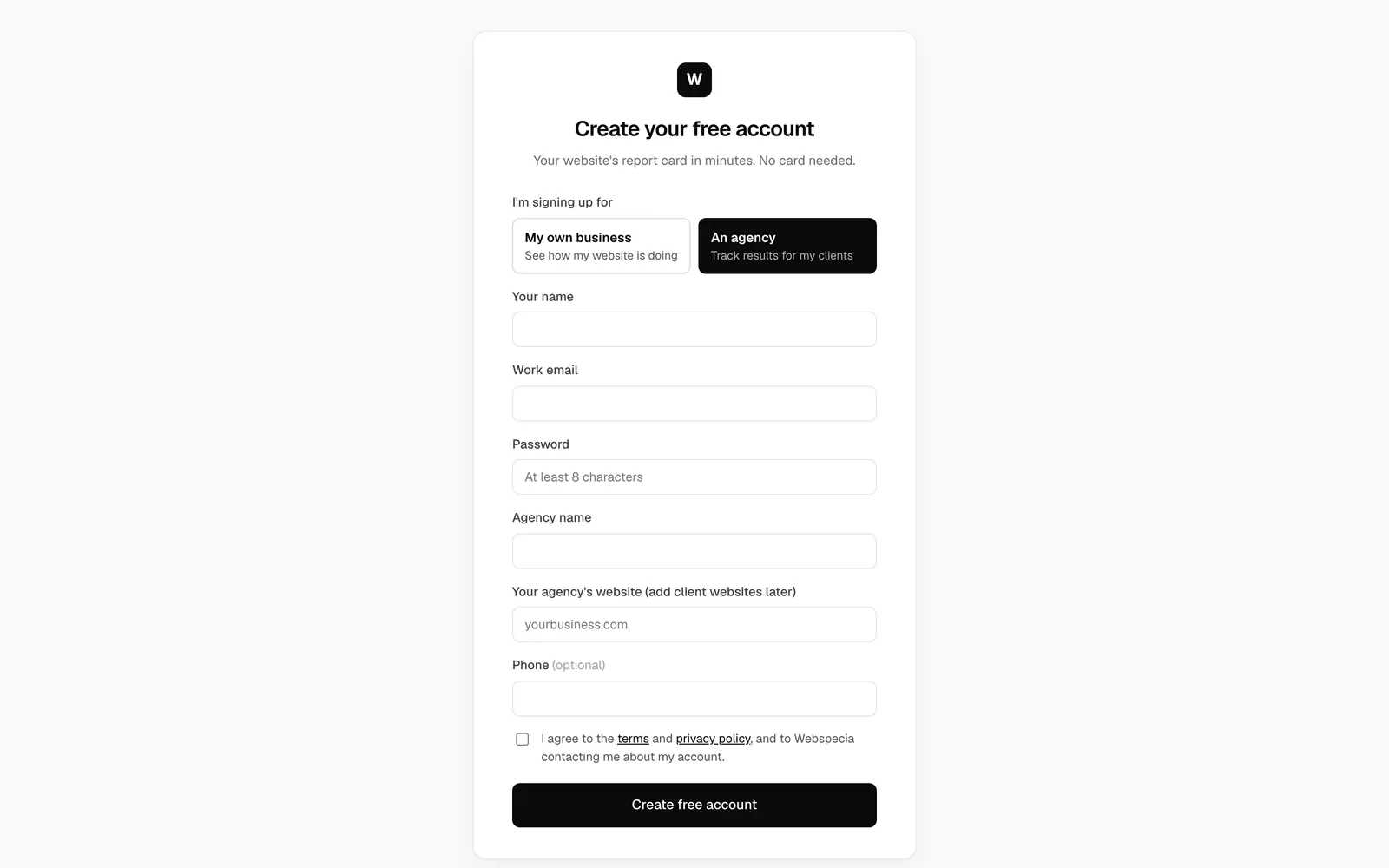
You are signed in straight away and land on the Search Console page for your own agency’s website. A first website scan and content tracking start automatically.
Your agency admin login
The signup creates a workspace for your agency’s own website. To manage clients you also need an agency admin login, which unlocks Team, Workspace Access, the notification bell and every client workspace. The Webspecia team sets this up with you after you sign up, together with your first client workspaces and your plan.
Talk to Webspecia if you haven’t heard from us within one working day.
Free and agency plans
Report cards, Google traffic and rankings, website health, content tracking, opportunities and PDF reports are free. Backlink tracking, AI search tracking, the content calendar with AI briefs, SEO work with proof, client logins and Google Ads tools are included on agency plans. See Free and agency plans.
Next steps
Related guides
For agency owners
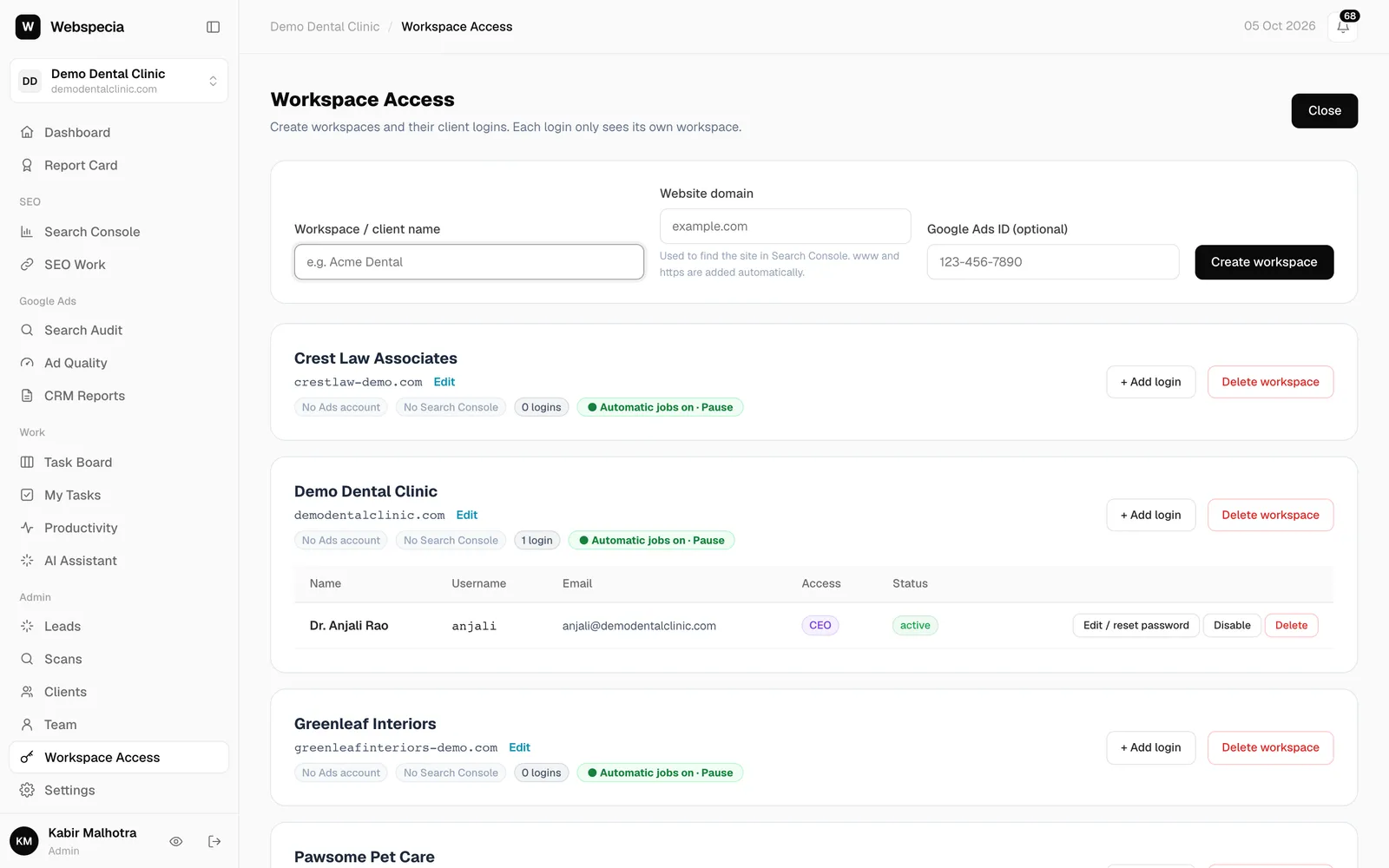
Create a client workspace
Add a client, set their website domain, switch between clients and pause or archive a workspace.
For agency owners
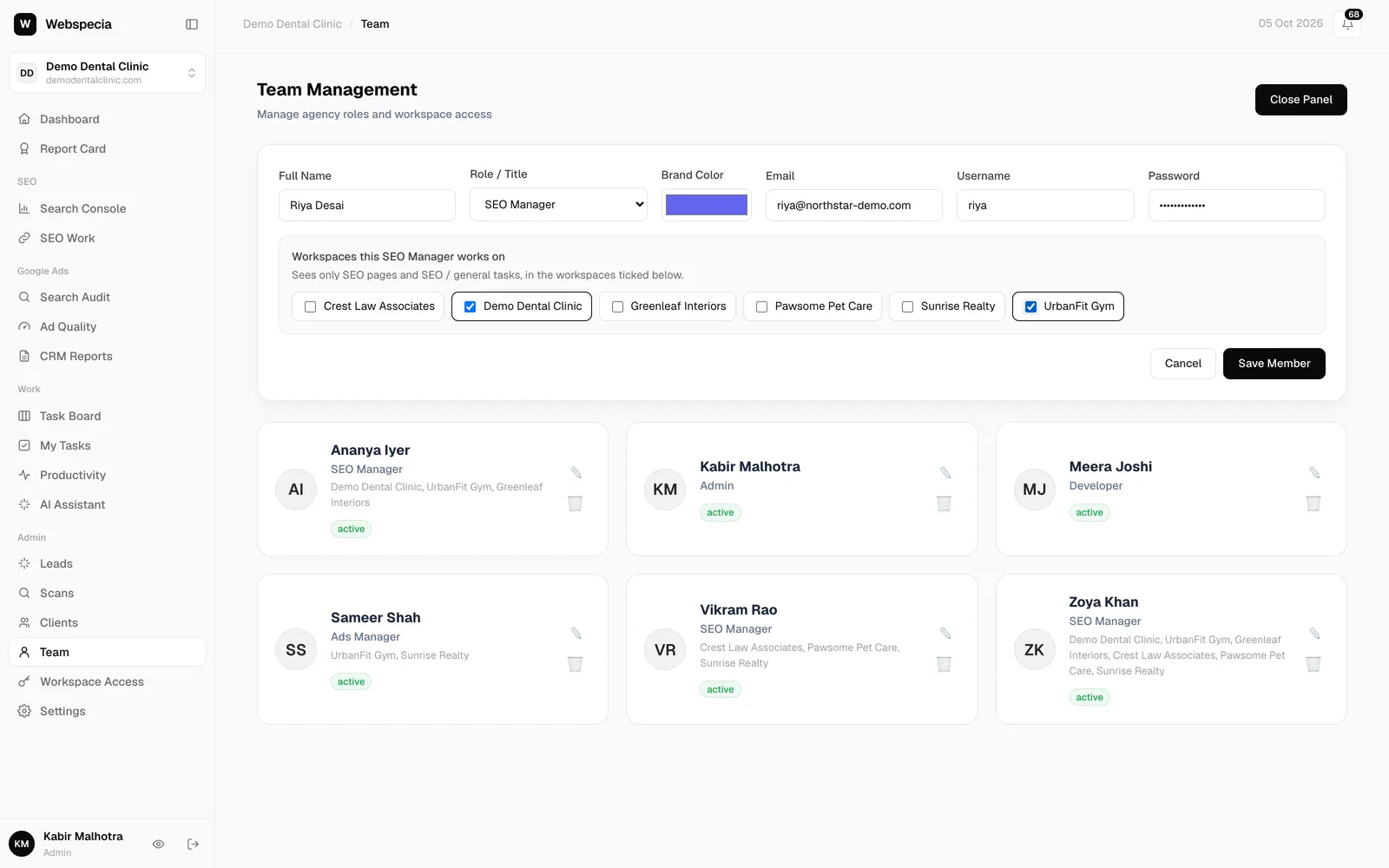
Add your team
Create logins for your SEO and ads staff, choose their role and assign the clients they work on.
For agency owners
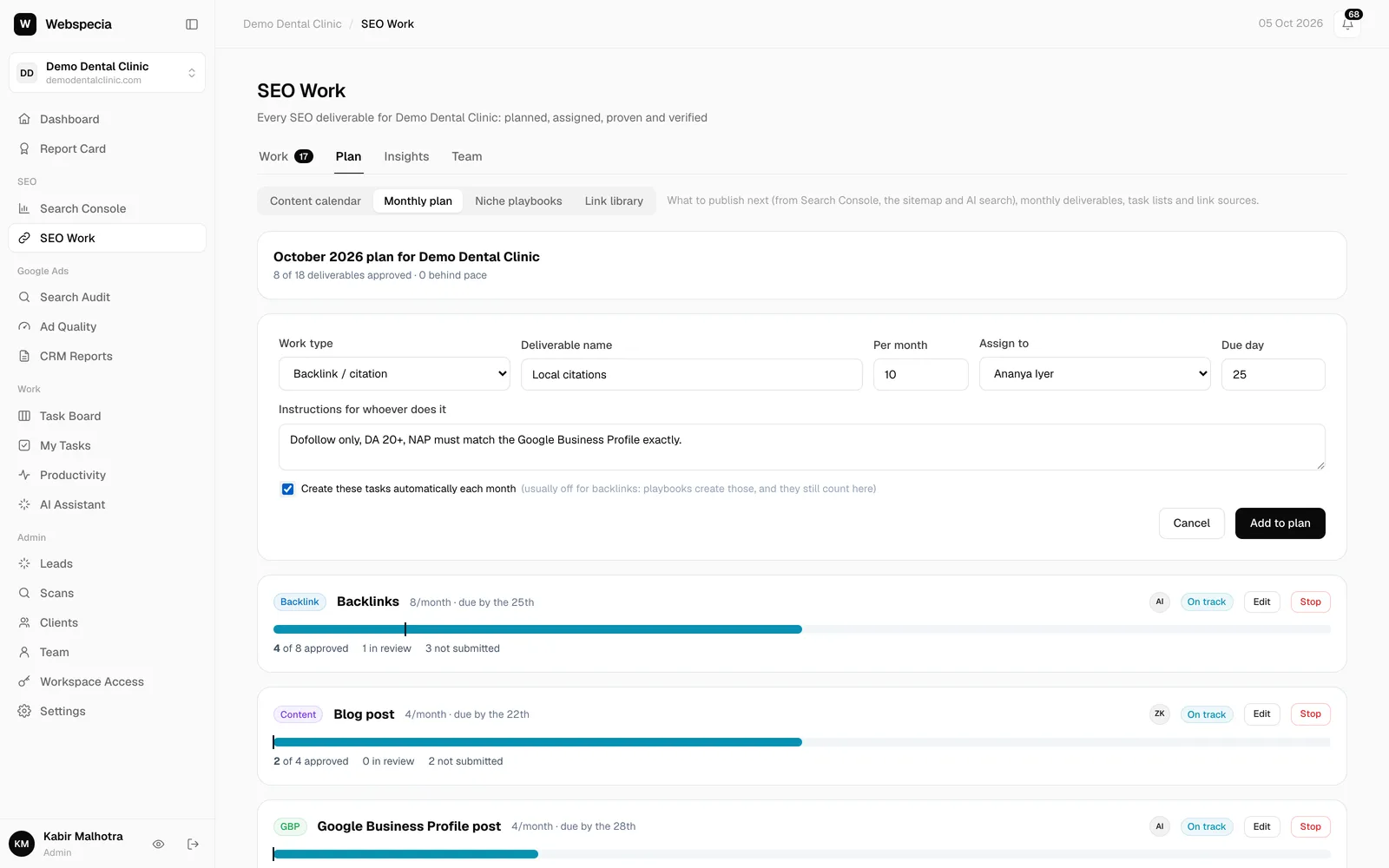
Set monthly SEO plans
Tell AgencyHub what each client gets every month. Tasks are created and assigned automatically.
Still stuck? Our team will walk you through it.
Talk to Webspecia