
Browse all guides
For agency owners
- Get your agency account
- Create a client workspace
- Connect Google Search Console
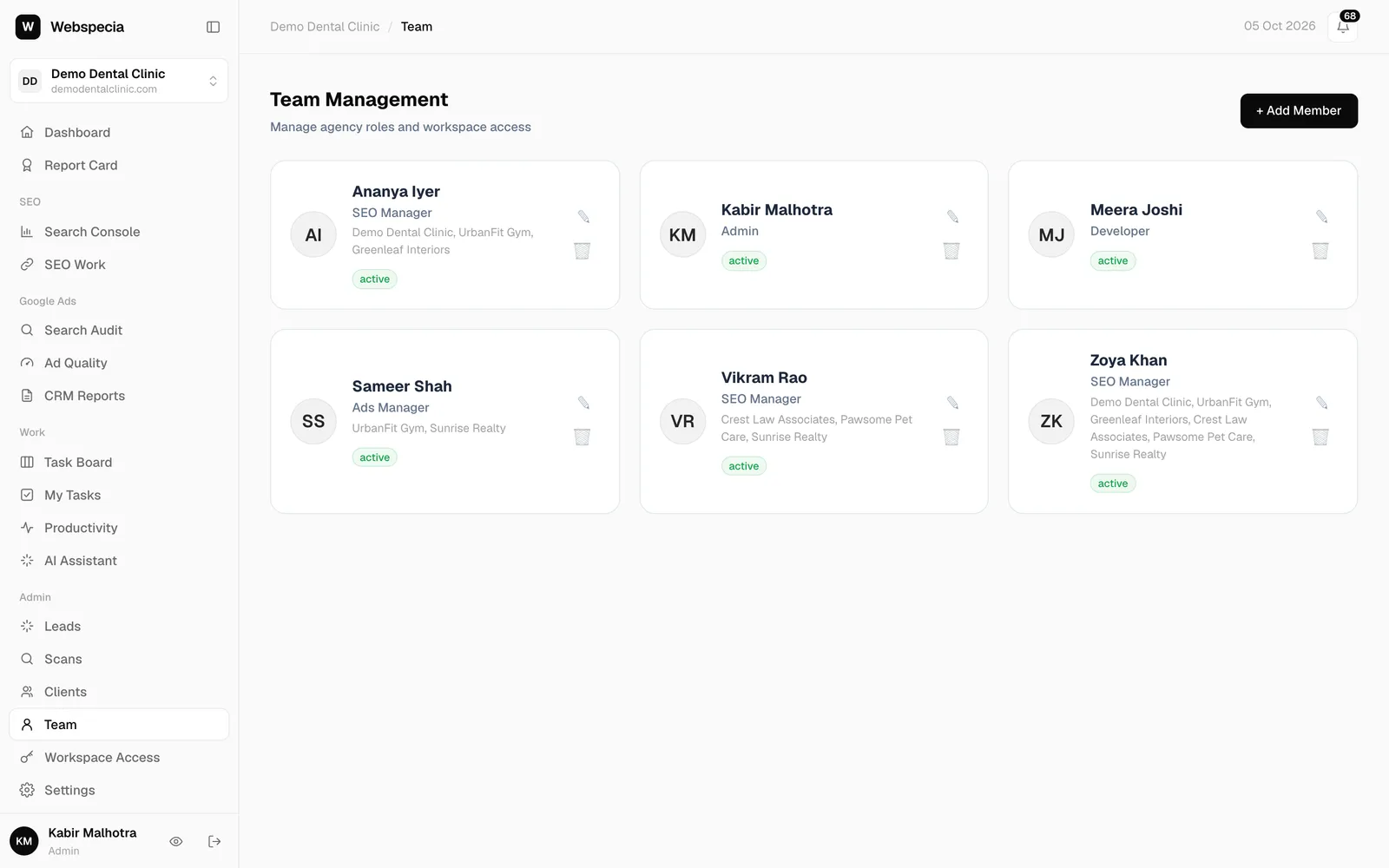
- Add your team
- Give clients their own login
- Set monthly SEO plans
- Build your link library
- Create and apply niche profiles
- Review and approve work
- Monitor link health
- Track team performance
- Report cards and client emails
- Backlink profile
- Track AI search (AEO & GEO)
- Recurring tasks and the Task Board
For SEO specialists · 2 min read
Your first day
Log in, open a client, and find your tasks, notifications and the pages you’ll use every day.
Log in
- Your agency admin sends you a username (or your email) and a password. Sign in at ai.webspecia.in/login.
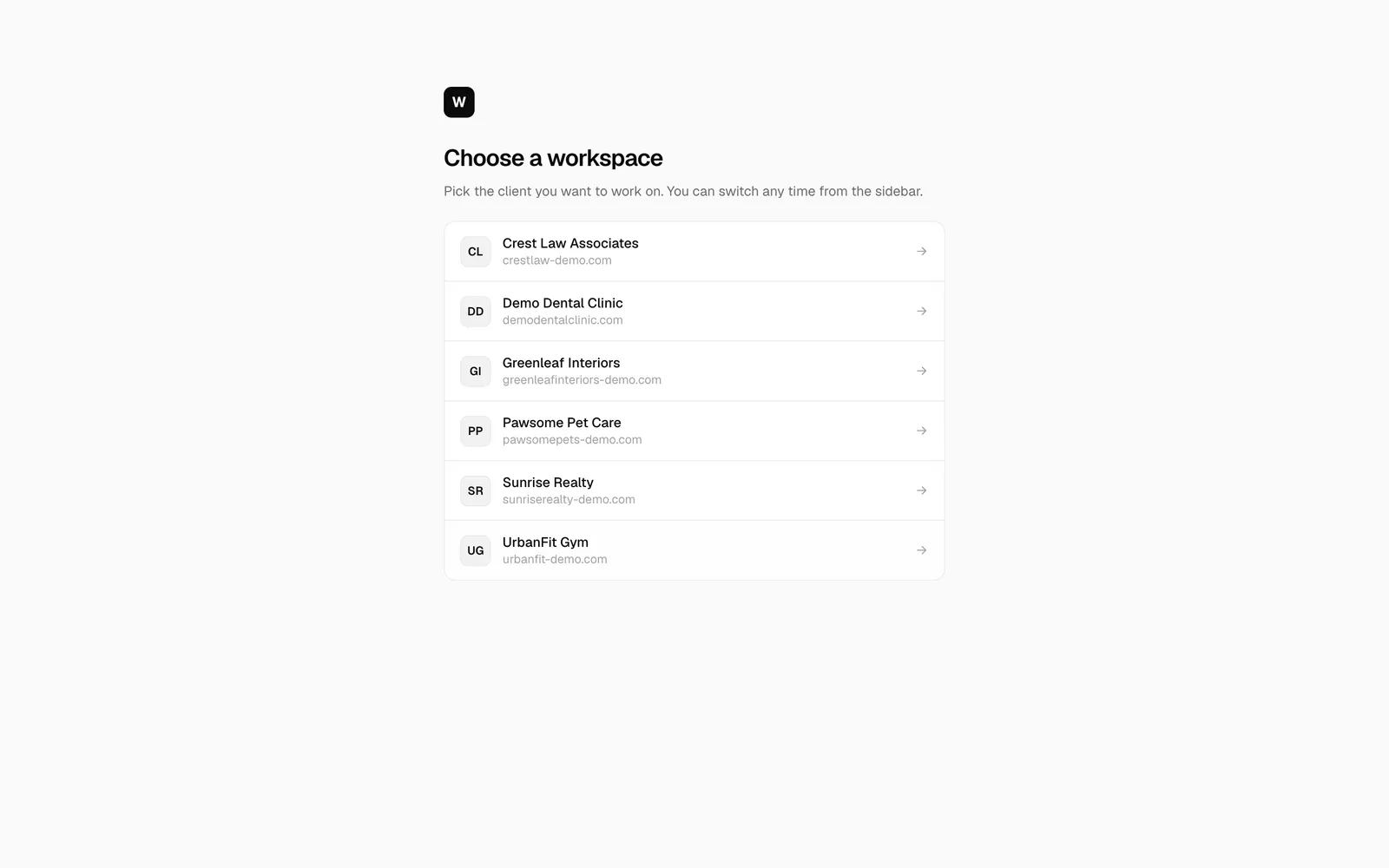
- On Choose a workspace, click the client you are working on. You only see the clients assigned to you.
- To switch client later, click the workspace card at the top of the sidebar.
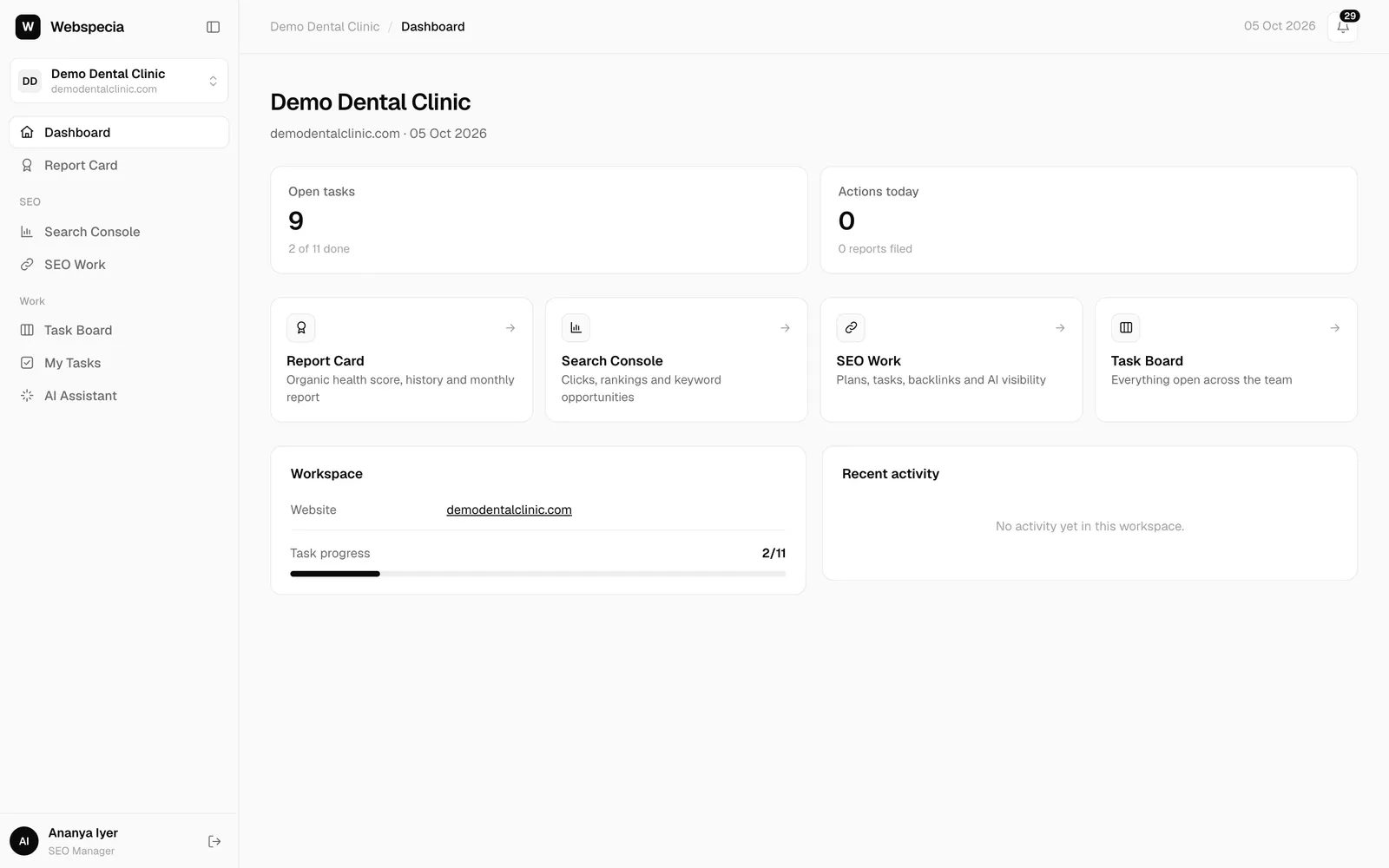
Your sidebar
| Page | Use it for |
|---|---|
| Dashboard | A quick view of the client and your open tasks. |
| Report Card | How the website is doing. Your work moves these scores. |
| Search Console | Keywords, pages and opportunities from Google. |
| SEO Work | Your pipeline: start, do and submit every deliverable. |
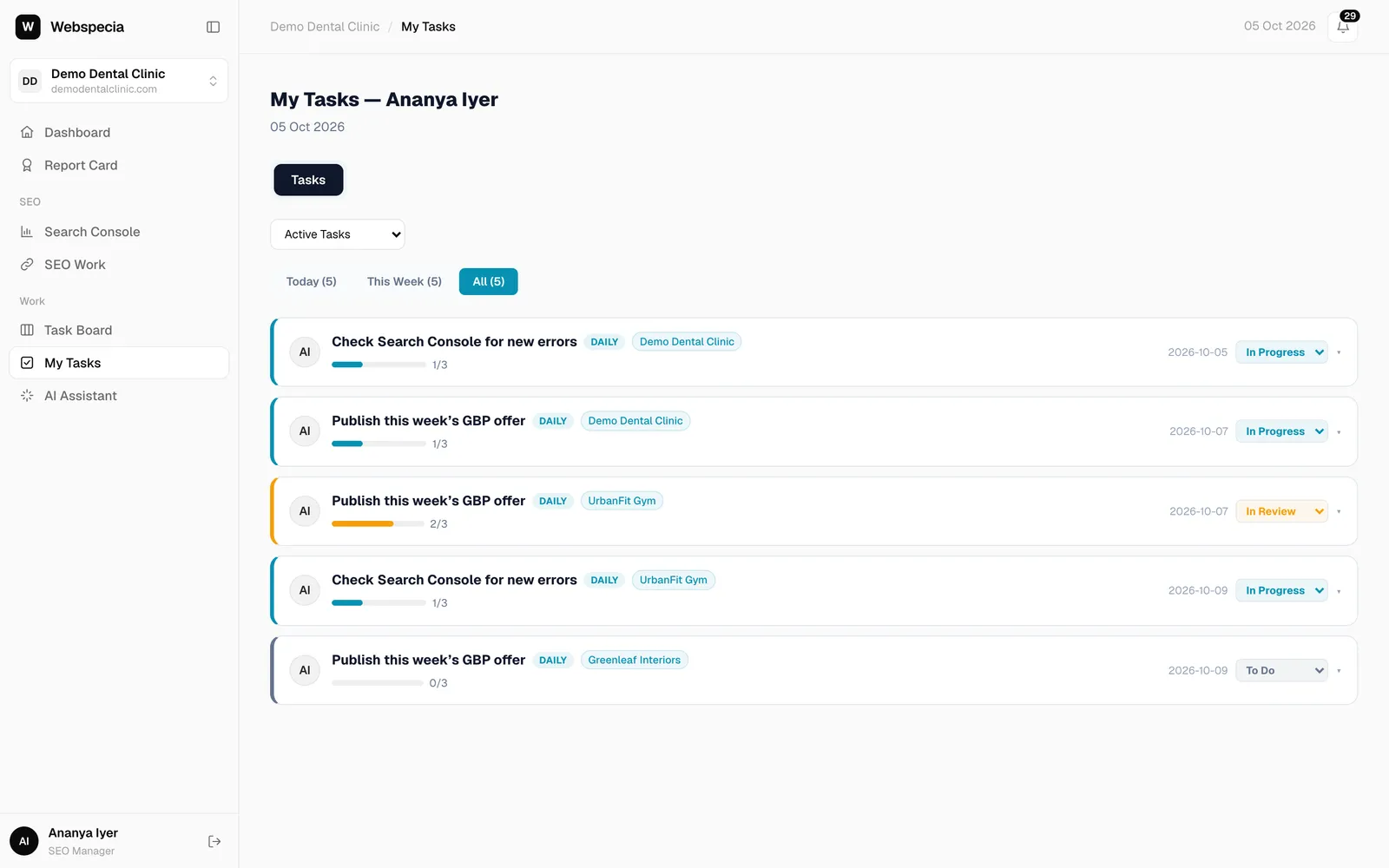
| Task Board / My Tasks | Recurring checklists such as daily Search Console checks. |
Notifications
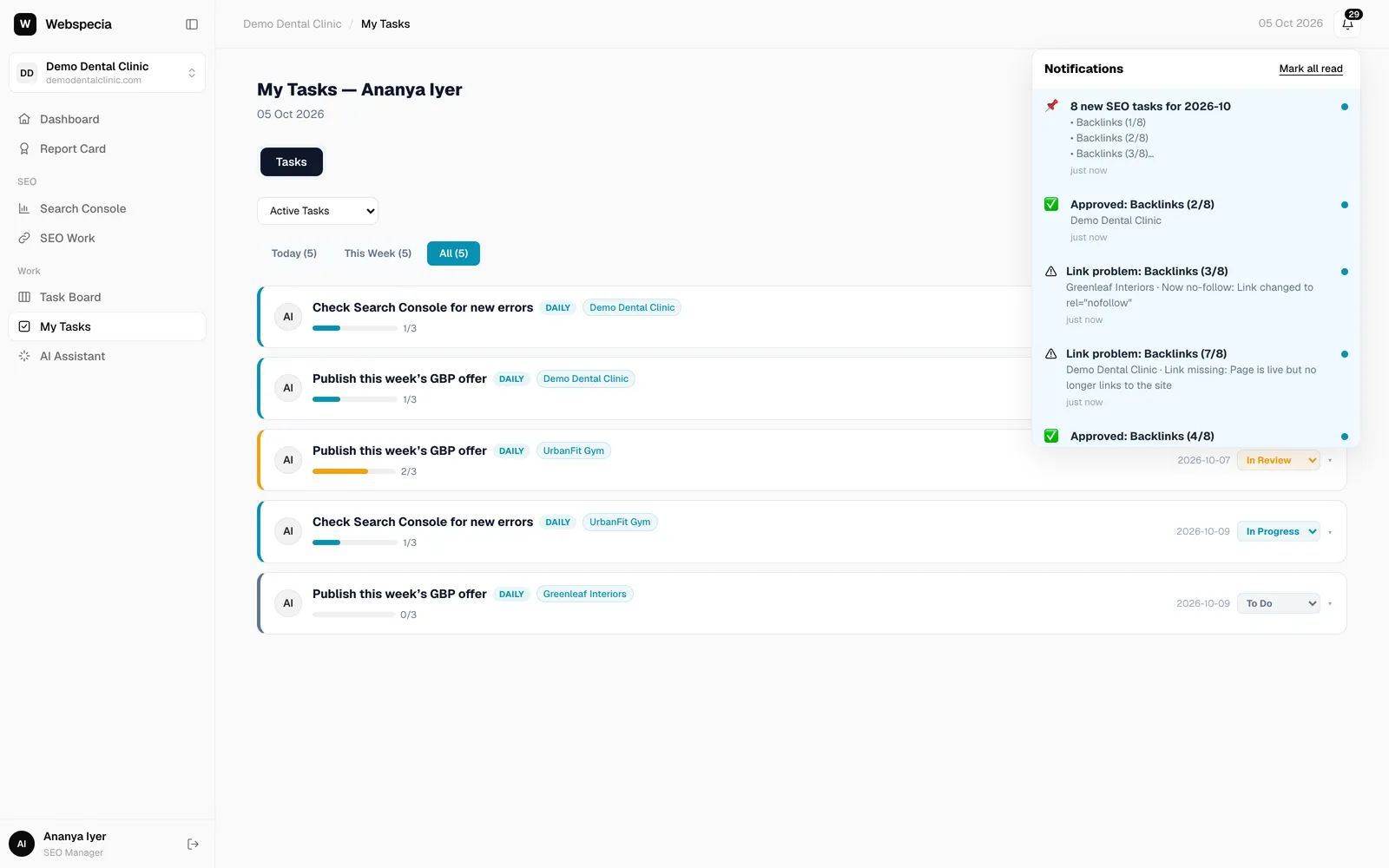
The bell at the top right tells you when work is assigned to you (“8 new SEO tasks for 2026-10”), when it’s approved or sent back, and when a link you built breaks. Click a notification to jump straight to it.
Related guides
For SEO specialists
Your daily routine
A simple order of work: notifications, overdue tasks, today’s checklist, then the pipeline.
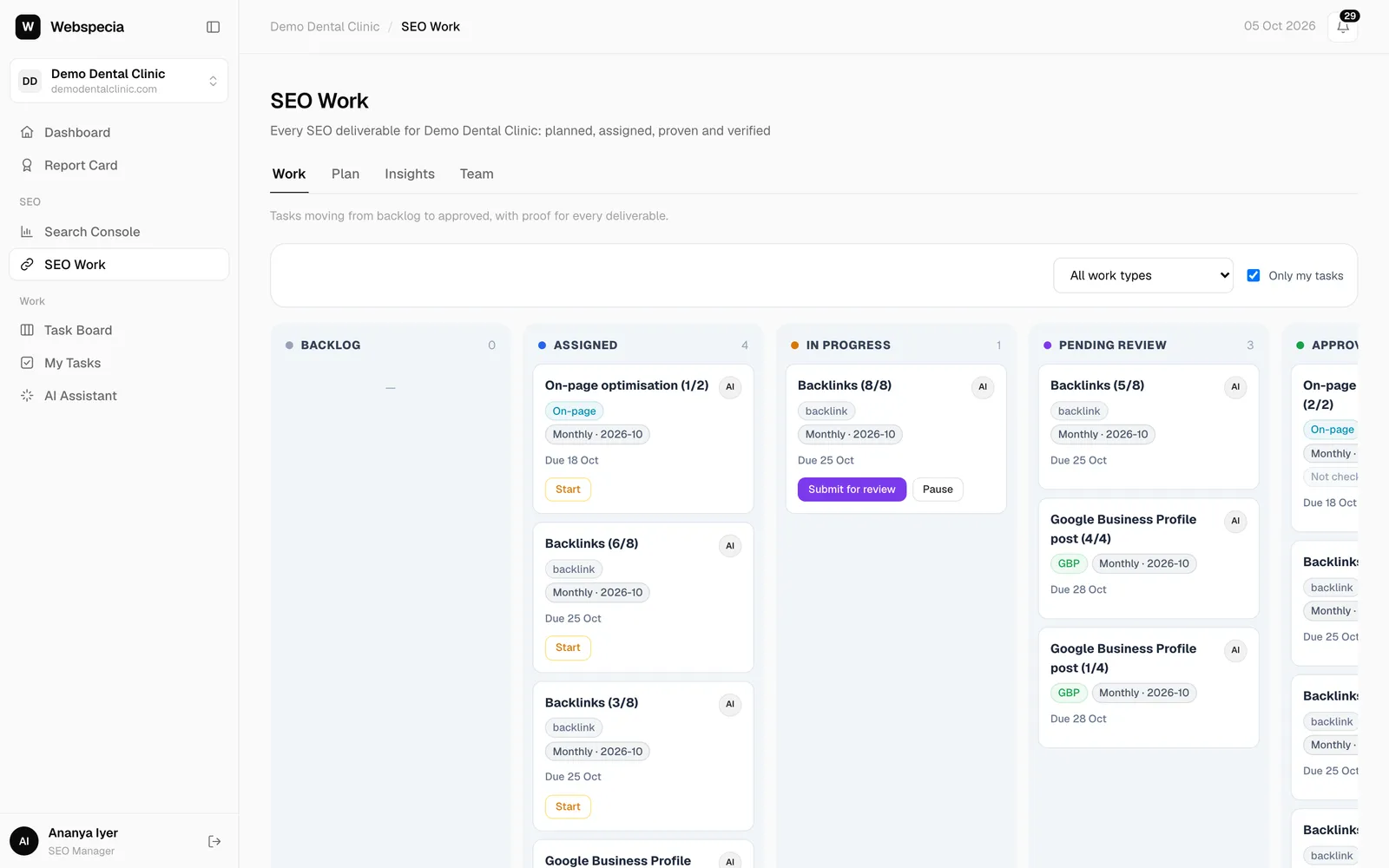
For SEO specialists
Work the SEO pipeline
How a task moves from Assigned to Approved, and what each button does.
Start here
Roles and permissions
Exactly what each agency role and each client access level can see and do.
Still stuck? Our team will walk you through it.
Talk to Webspecia