
Browse all guides
For agency owners
- Get your agency account
- Create a client workspace
- Connect Google Search Console
- Add your team
- Give clients their own login
- Set monthly SEO plans
- Build your link library
- Create and apply niche profiles
- Review and approve work
- Monitor link health
- Track team performance
- Report cards and client emails
- Backlink profile
- Track AI search (AEO & GEO)
- Recurring tasks and the Task Board
For clients & business owners · 2 min read
Sign up for free
Create a free account for your business and get your website report card in minutes.
Try it without signing up
On the AgencyHub home page, type your website into the box and click Check my website free. A 30-second check of website health, AI readiness and content opens on webspecia.in. No account needed.
Create your account
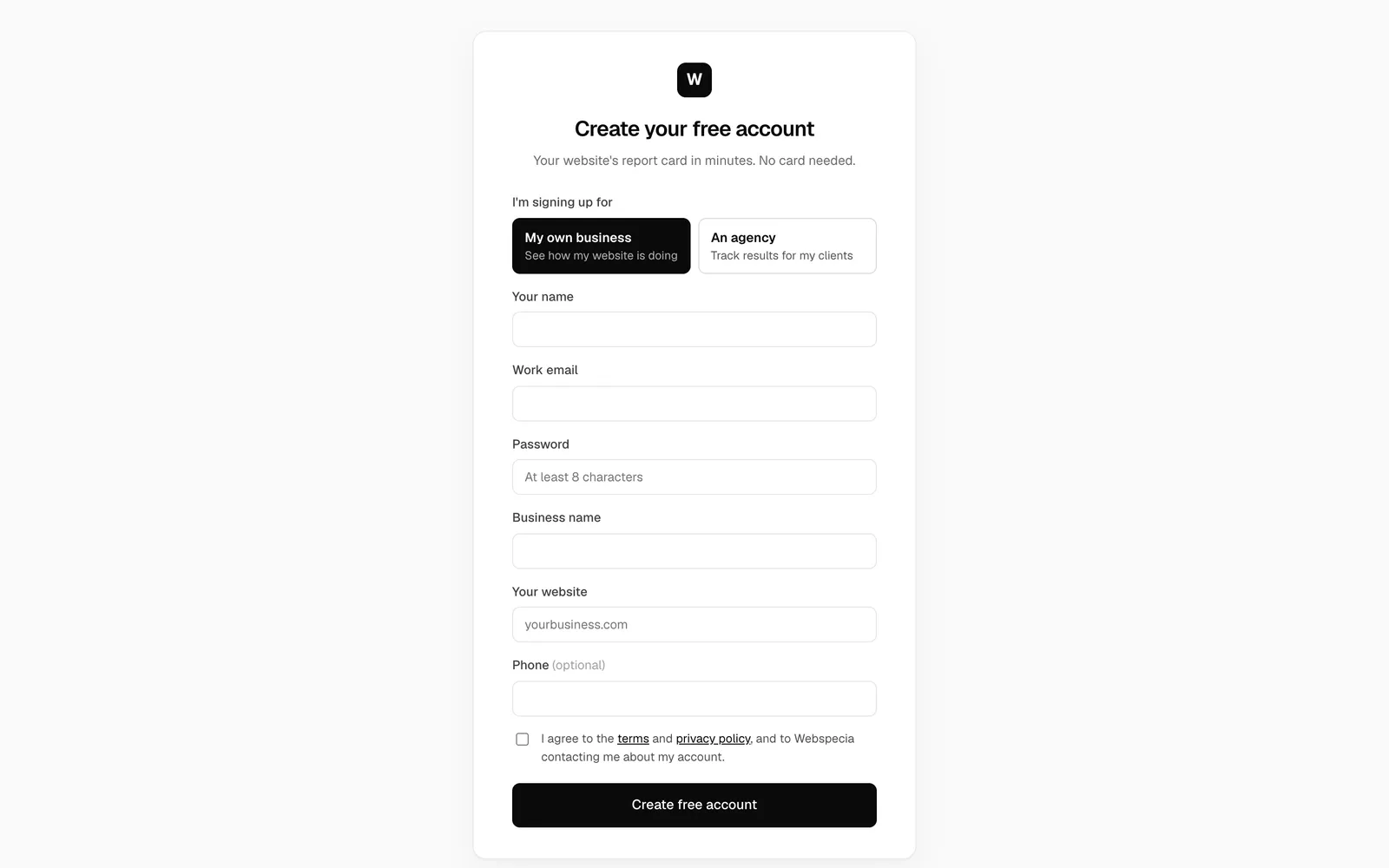
- Go to ai.webspecia.in/signup.
- Under I’m signing up for, choose My own business.
- Enter Your name, Work email, a Password (at least 8 characters), your Business name and Your website (for example
yourbusiness.com). Phone is optional. - Tick the box to agree to the terms and click Create free account.
What happens next
- You are signed in straight away. There’s no email to confirm.
- A website scan and content tracking start immediately; results fill in over the next day.
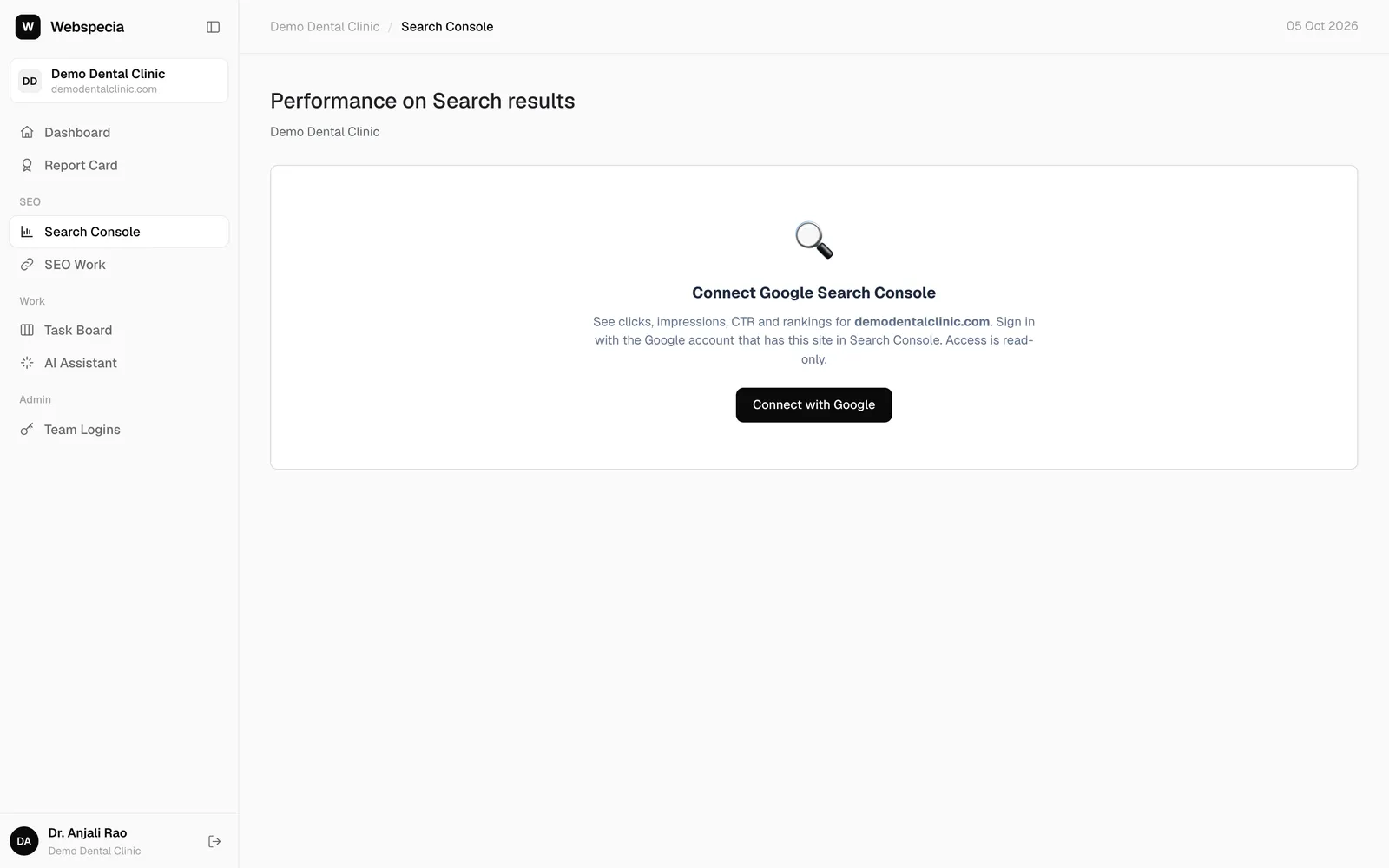
- You land on the Search Console page. Connecting it unlocks your visitors and rankings: see Connect Google Search Console.
- You get a welcome email with these next steps.
Related guides
For clients & business owners
Connect Google Search Console
Link your Google Search Console (read-only) so your visitors, rankings and best pages appear.
For clients & business owners
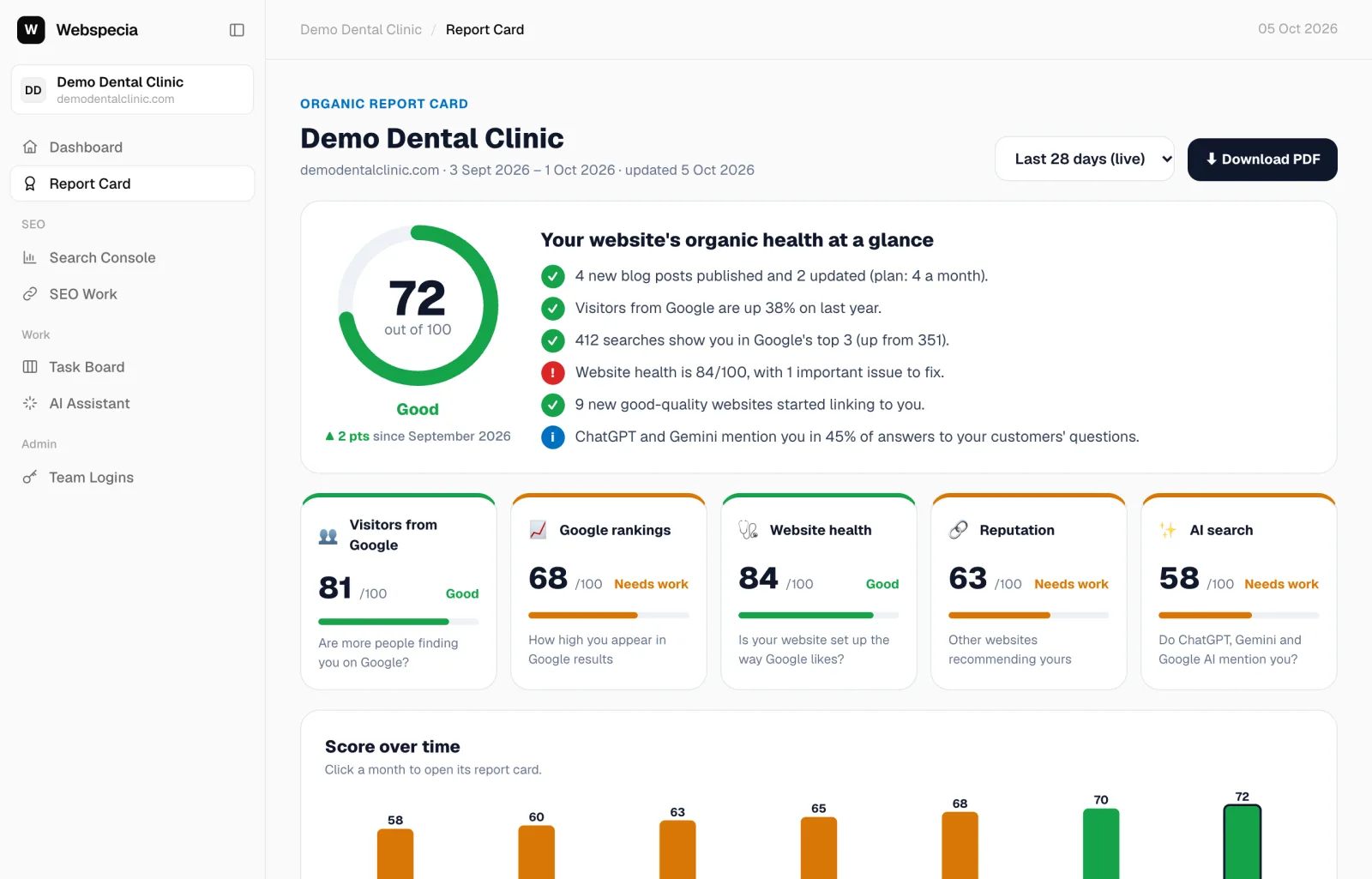
Read your report card
What your score out of 100 means, the five pillars, and how to see progress month by month.
For clients & business owners
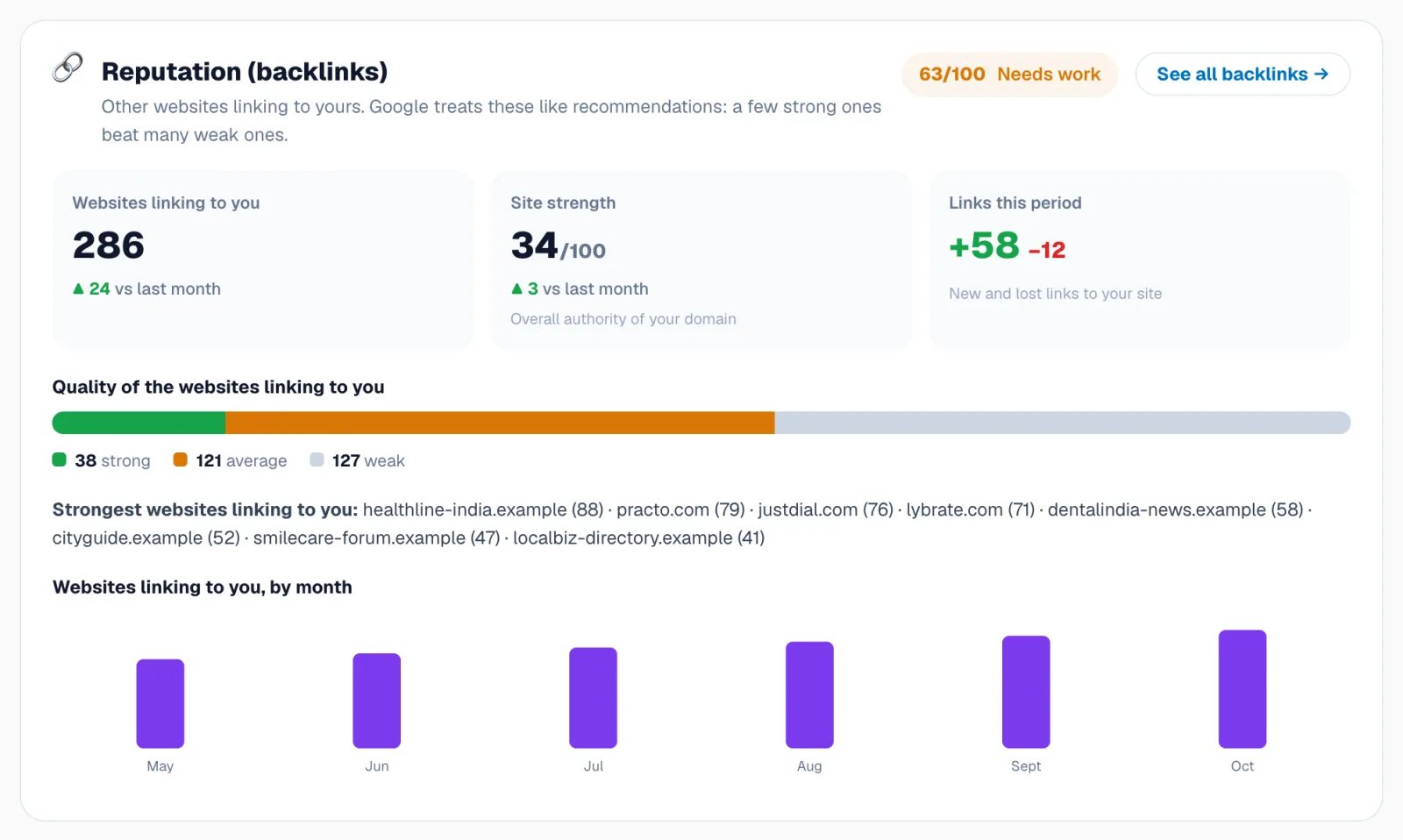
Free and agency plans
What’s included for free, and what comes with Webspecia and agency plans.
Still stuck? Our team will walk you through it.
Talk to Webspecia