
Browse all guides
For agency owners
- Get your agency account
- Create a client workspace
- Connect Google Search Console
- Add your team
- Give clients their own login
- Set monthly SEO plans
- Build your link library
- Create and apply niche profiles
- Review and approve work
- Monitor link health
- Track team performance
- Report cards and client emails
- Backlink profile
- Track AI search (AEO & GEO)
- Recurring tasks and the Task Board
For agency owners · 2 min read
Backlink profile
See every website linking to a client, import links from Search Console and track new and lost links.
SEO Work → Insights → Backlink profile combines three sources: links from Google (Search Console exports you import), DataForSEO (a monthly refresh on agency plans) and Built by us (your approved backlink tasks, added automatically).
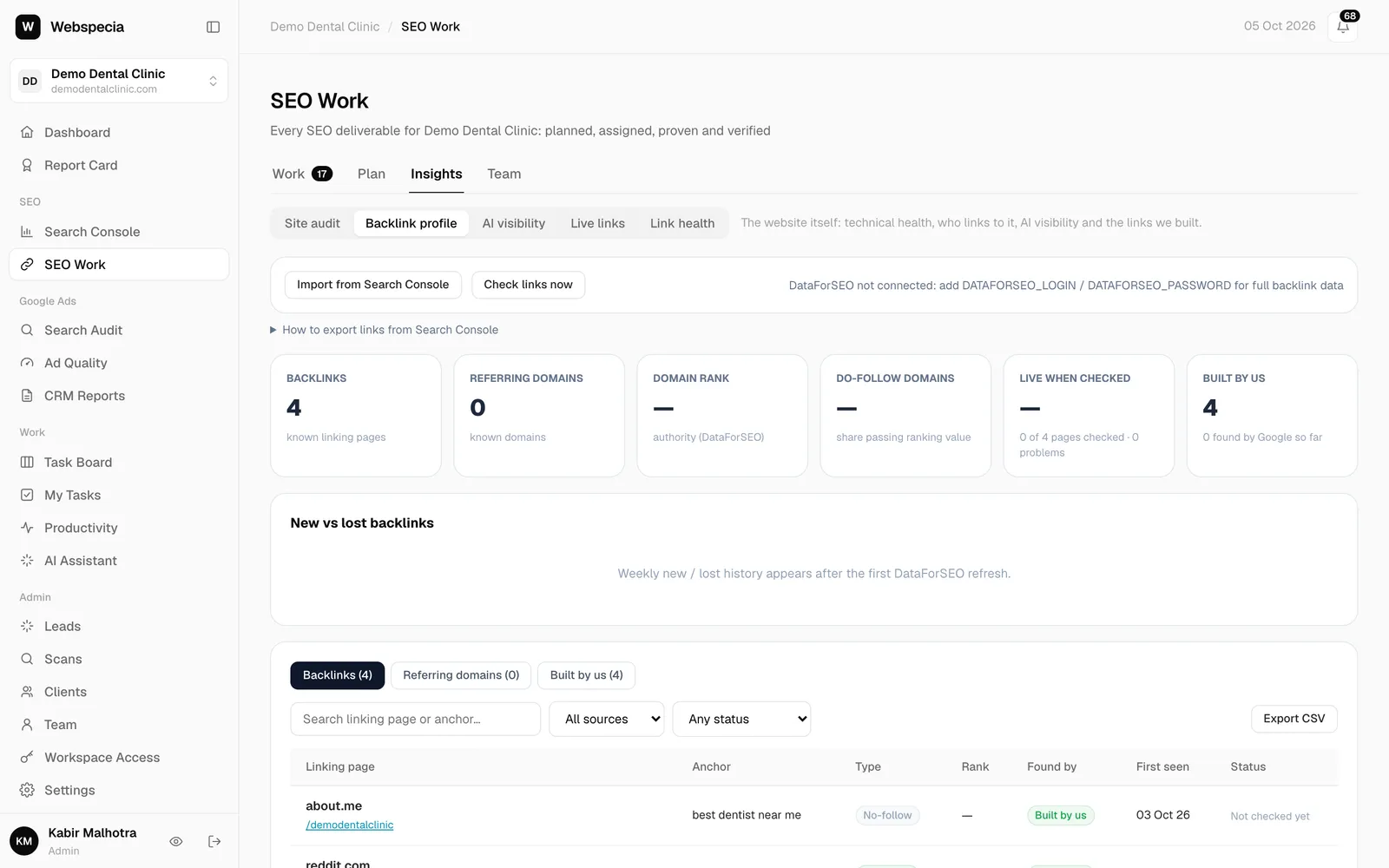
Import links from Search Console
- In Google Search Console open Links → External links and export Latest links (or Top linking sites) as CSV.
- In AgencyHub click Import from Search Console and choose the file.
- Links to the client’s own domain are dropped; everything else is added or updated.
Monthly refresh
On agency plans the profile is refreshed from DataForSEO once a month, adding domain rank, do-follow share and new/lost links. A super admin can also click Refresh from DataForSEO once per month.
Read the profile
- Tiles: Backlinks, Referring domains, Domain rank (/100), Do-follow domains, Live when checked and Built by us.
- New vs lost backlinks shows the last 12 weeks.
- Filter the table by text, source and status, and Export CSV.
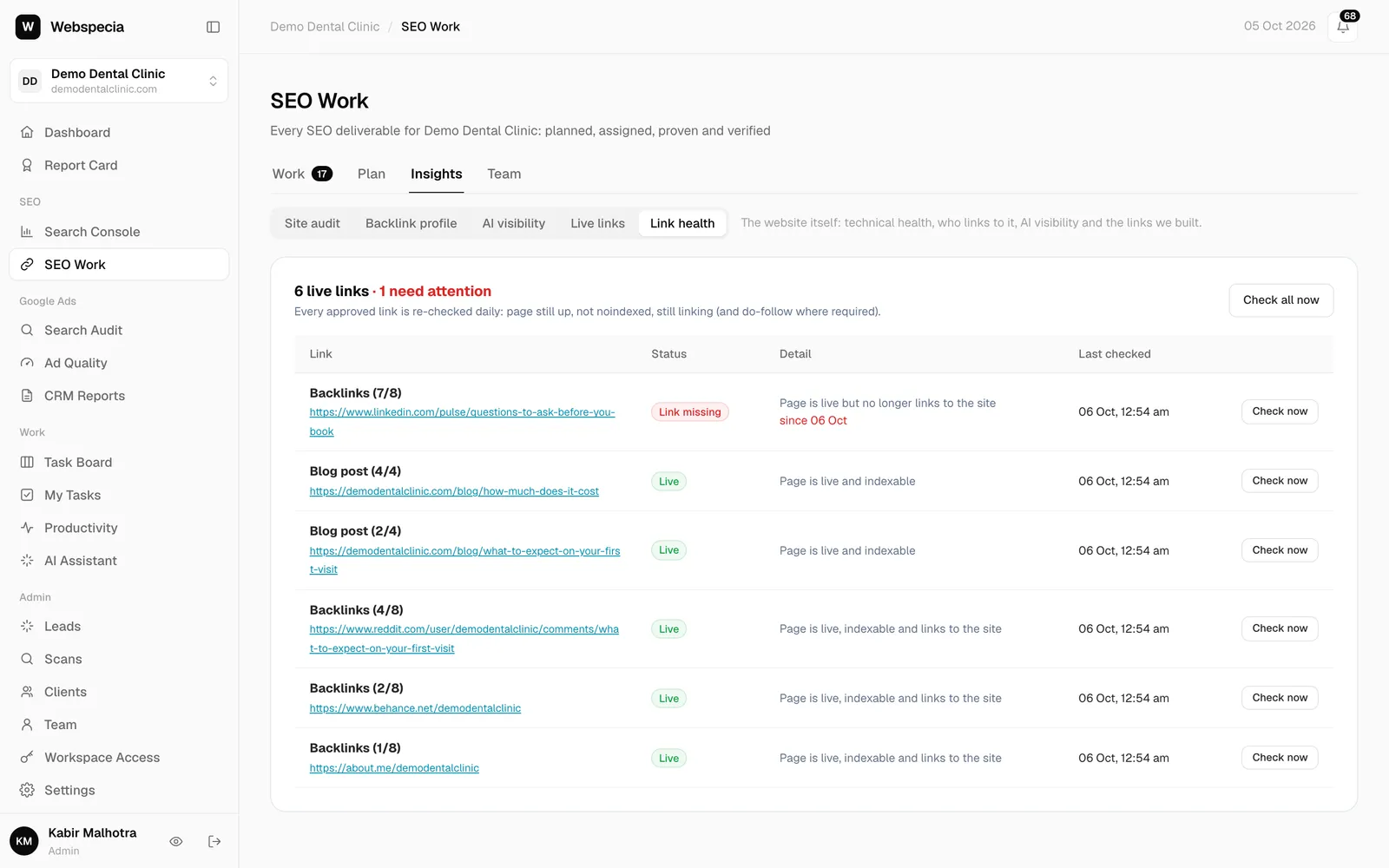
- Check links now re-checks linking pages not checked in the last 7 days.
Still stuck? Our team will walk you through it.
Talk to Webspecia