
Browse all guides
For agency owners
- Get your agency account
- Create a client workspace
- Connect Google Search Console
- Add your team
- Give clients their own login
- Set monthly SEO plans
- Build your link library
- Create and apply niche profiles
- Review and approve work
- Monitor link health
- Track team performance
- Report cards and client emails
- Backlink profile
- Track AI search (AEO & GEO)
- Recurring tasks and the Task Board
For agency owners · 2 min read
Track team performance
See who delivered what, how fast, how often it was approved first time, and what is overdue.
SEO performance
Go to SEO Work → Team → Performance. Choose Last 30 / 90 / 180 days and All workspaces or This workspace.
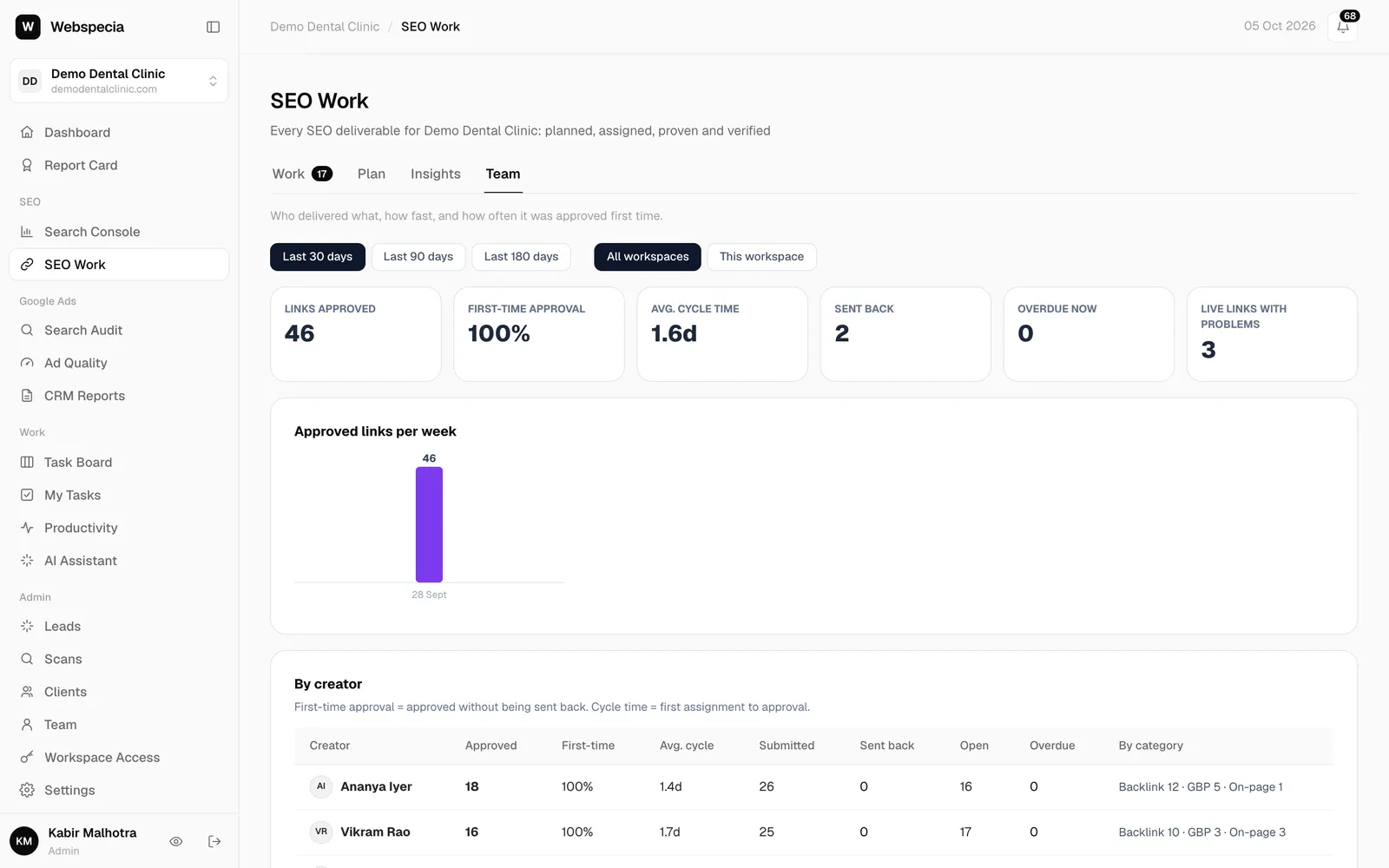
| Tile | Meaning |
|---|---|
| Links approved | Deliverables approved in the period (all work types). |
| First-time approval | Share approved without ever being sent back. |
| Avg. cycle time | From first assignment to approval. |
| Sent back | Submissions returned for revision in the period. |
| Overdue now | Open tasks past their due date right now. |
| Live links with problems | Approved links currently failing the daily check. |
Below the tiles, By creator breaks the numbers down per person and per category. Team members only see their own numbers.
Operational tasks
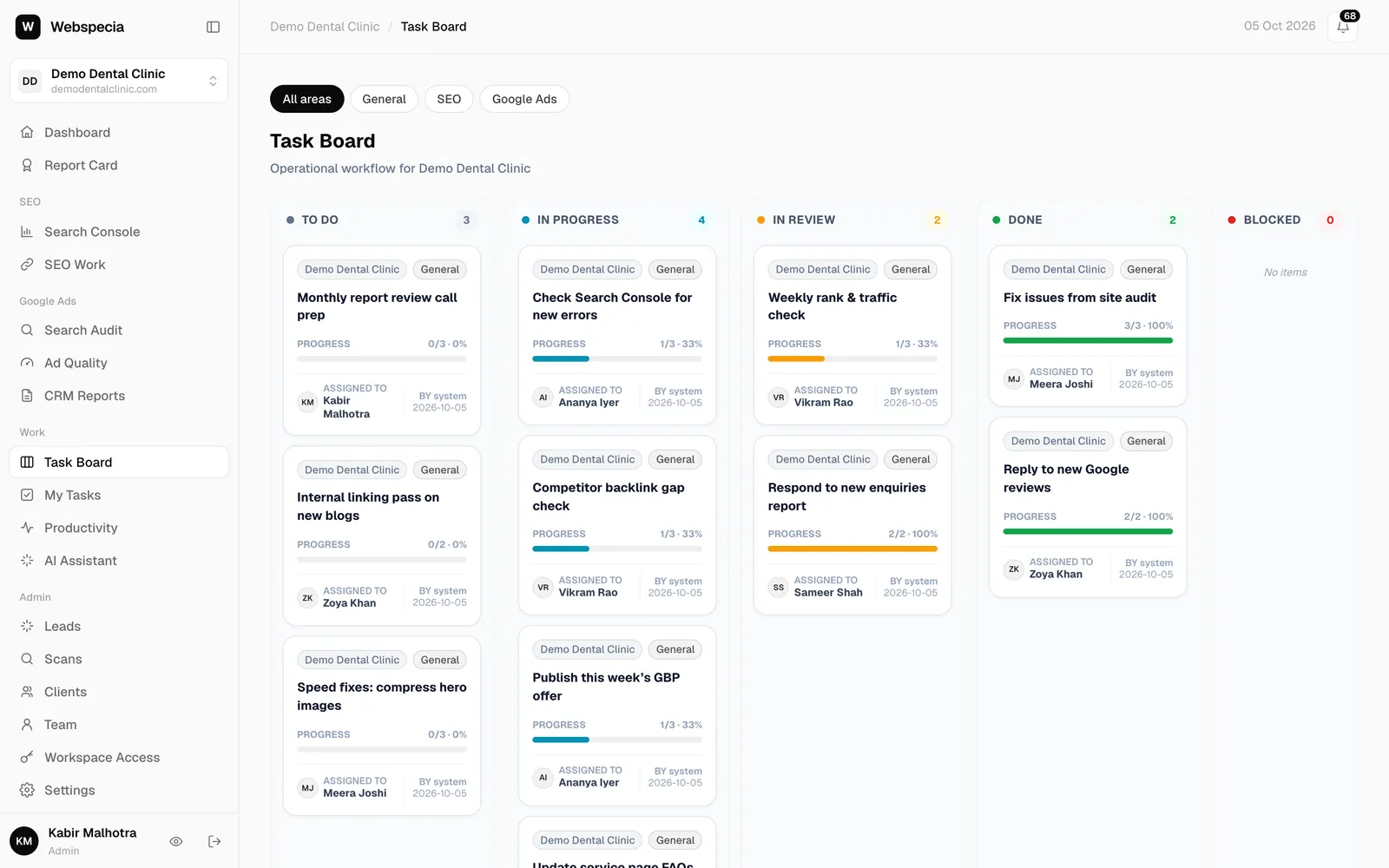
Recurring checks and admin work live on the Task Board and in My Tasks. See Recurring tasks and the Task Board. Productivity shows each person’s actions and closed tasks for today.
Still stuck? Our team will walk you through it.
Talk to Webspecia