
Browse all guides
For agency owners
- Get your agency account
- Create a client workspace
- Connect Google Search Console
- Add your team
- Give clients their own login
- Set monthly SEO plans
- Build your link library
- Create and apply niche profiles
- Review and approve work
- Monitor link health
- Track team performance
- Report cards and client emails
- Backlink profile
- Track AI search (AEO & GEO)
- Recurring tasks and the Task Board
For SEO specialists · 2 min read
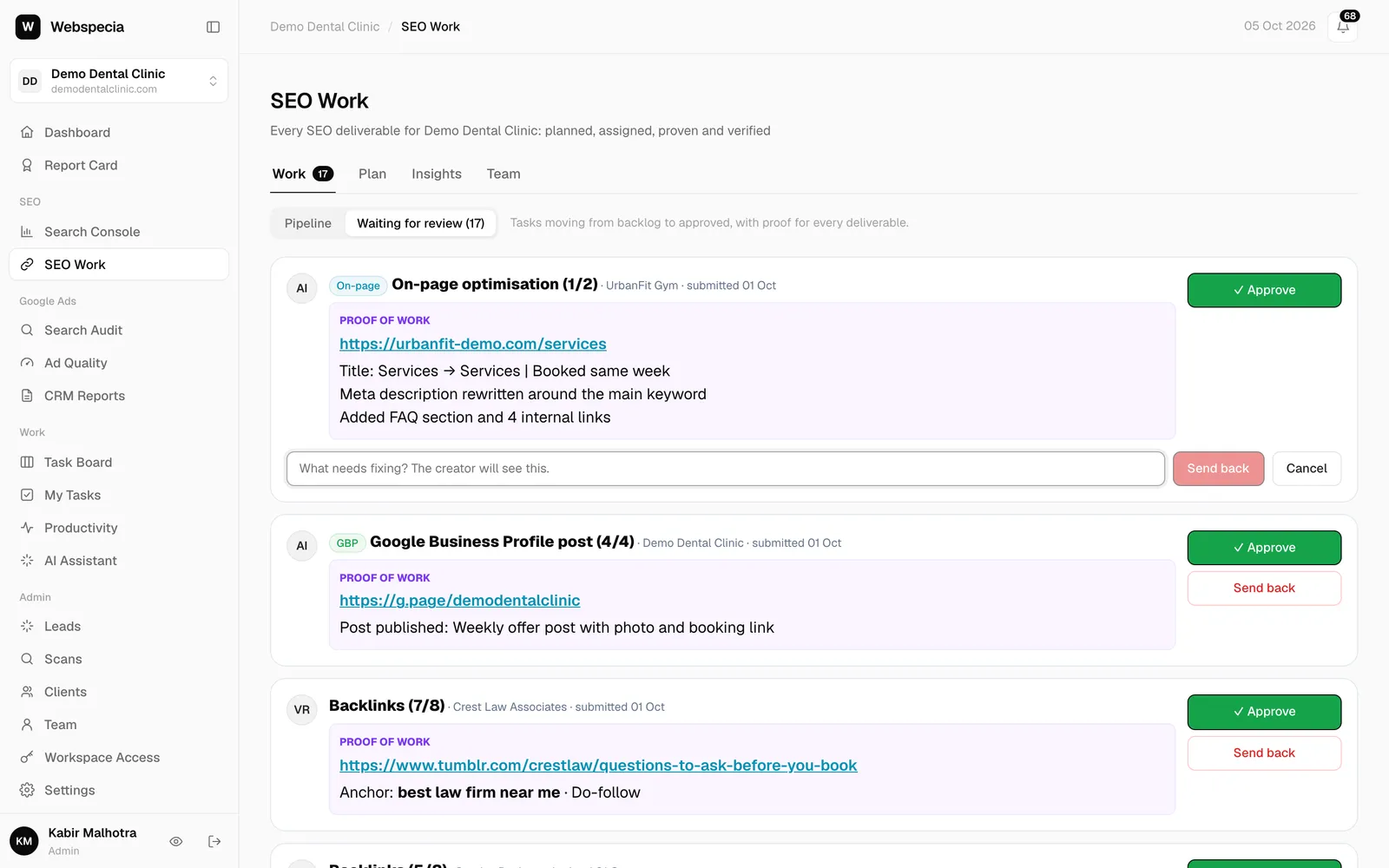
When work is sent back
What “Revision needed” means, where to read the note, and how to resubmit.
- You get a Sent back: … notification with the reviewer’s note.
- The card moves to Revision needed and shows Needs revision: … with the note, plus a red revision count.
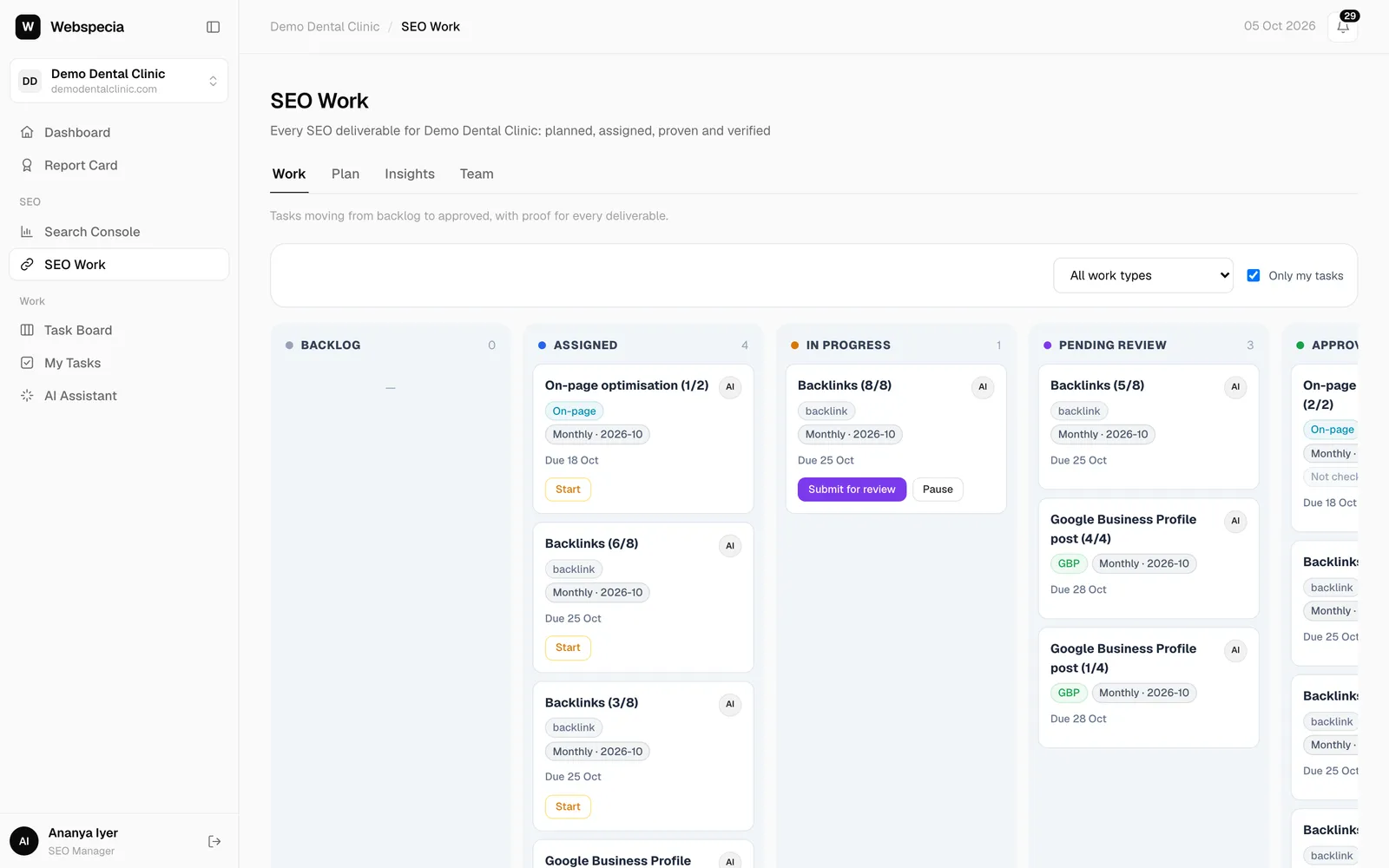
- Click Rework. The card moves back to In progress.
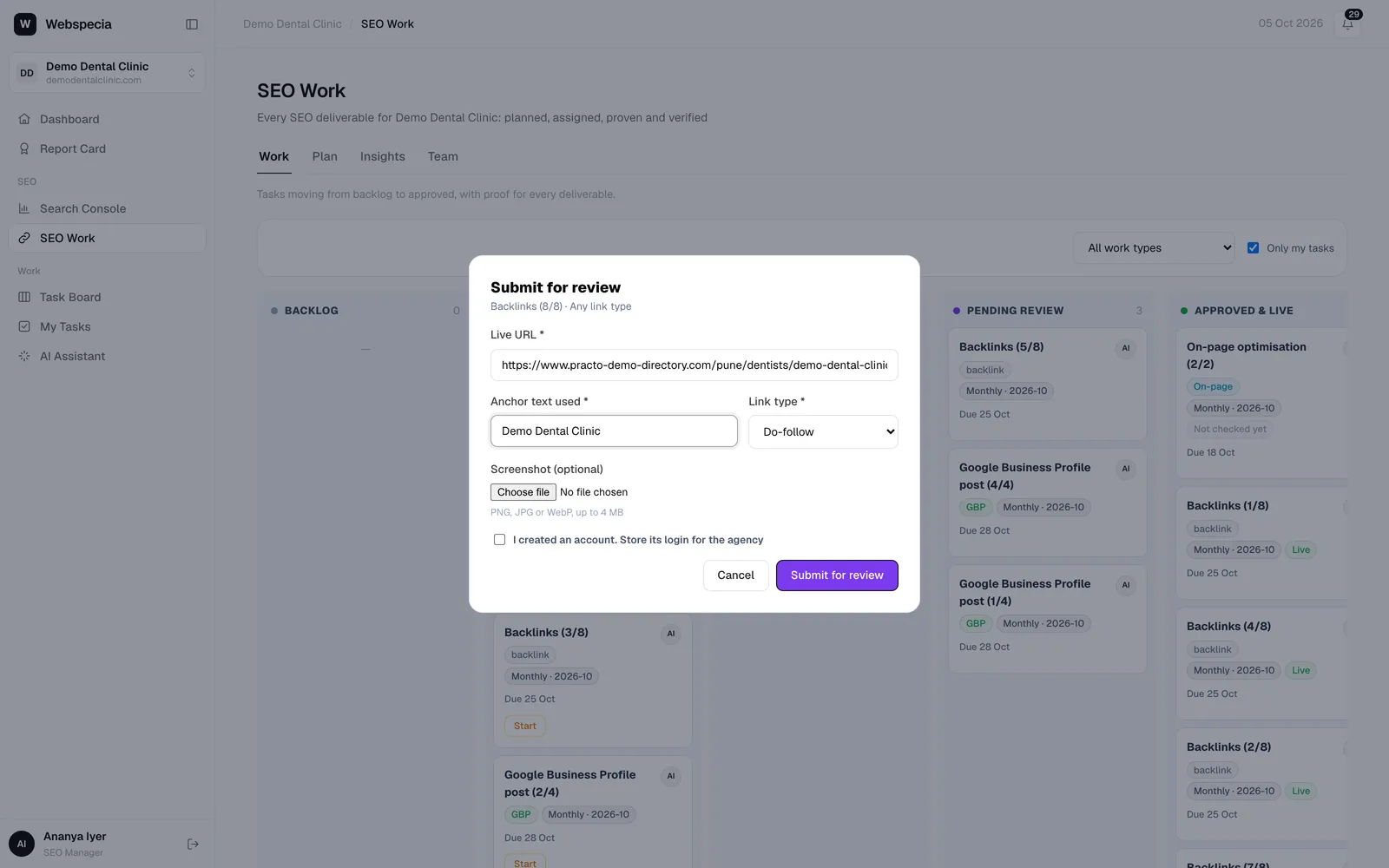
- Fix what was asked, then click Submit for review. Your previous proof is pre-filled, so only change what’s needed.
Avoid send-backs
- Read the task’s instructions and the target’s guidelines before starting.
- Check the link type in the page source before submitting a backlink.
- Submit the exact page URL, not the site’s homepage.
- For content, meet the word count and include the target keyword.
Still stuck? Our team will walk you through it.
Talk to Webspecia