
Browse all guides
For agency owners
- Get your agency account
- Create a client workspace
- Connect Google Search Console
- Add your team
- Give clients their own login
- Set monthly SEO plans
- Build your link library
- Create and apply niche profiles
- Review and approve work
- Monitor link health
- Track team performance
- Report cards and client emails
- Backlink profile
- Track AI search (AEO & GEO)
- Recurring tasks and the Task Board
For clients & business owners · 2 min read
Download PDF reports
Save your report card, Search Console report or link list as a PDF, and receive monthly emails.
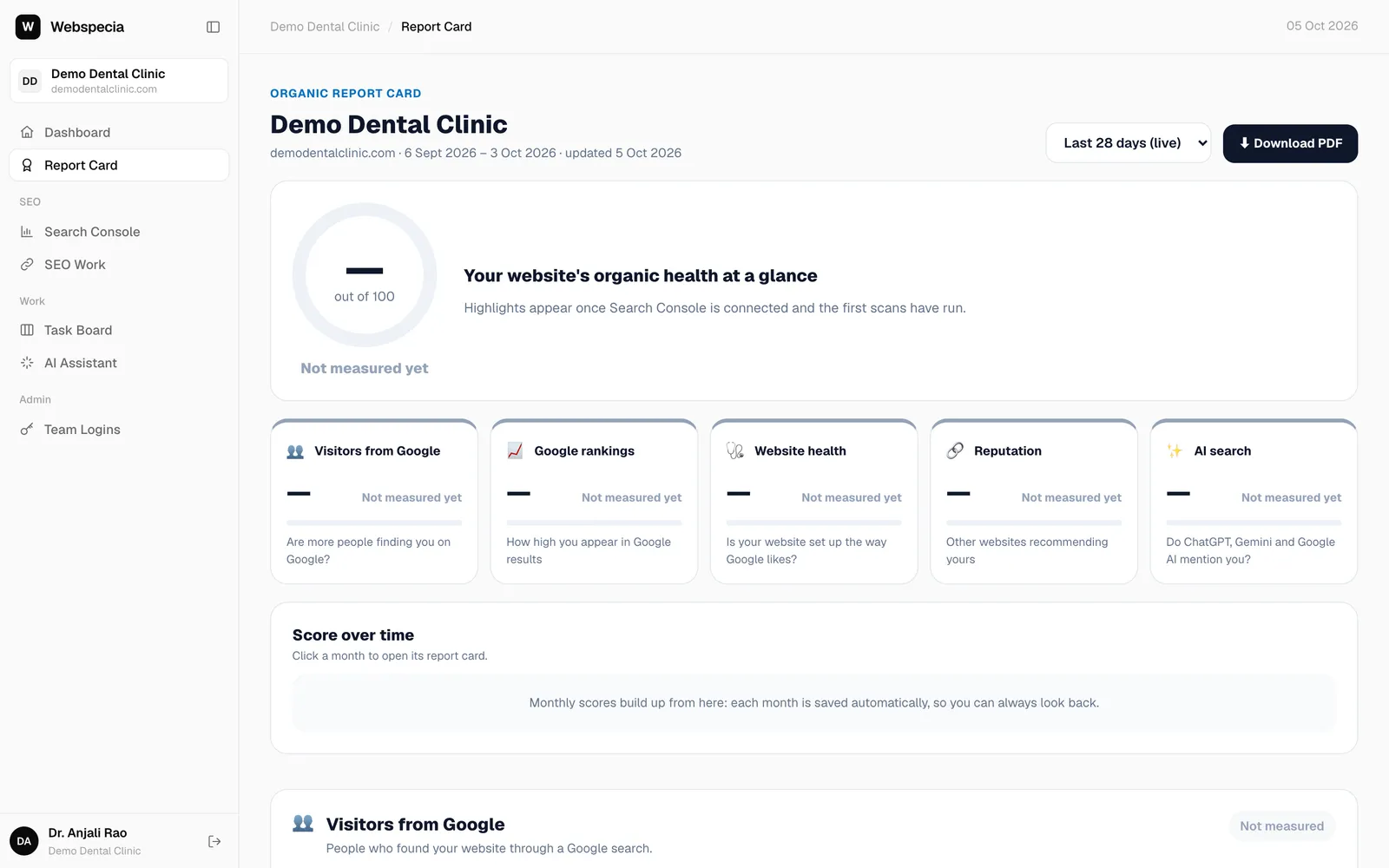
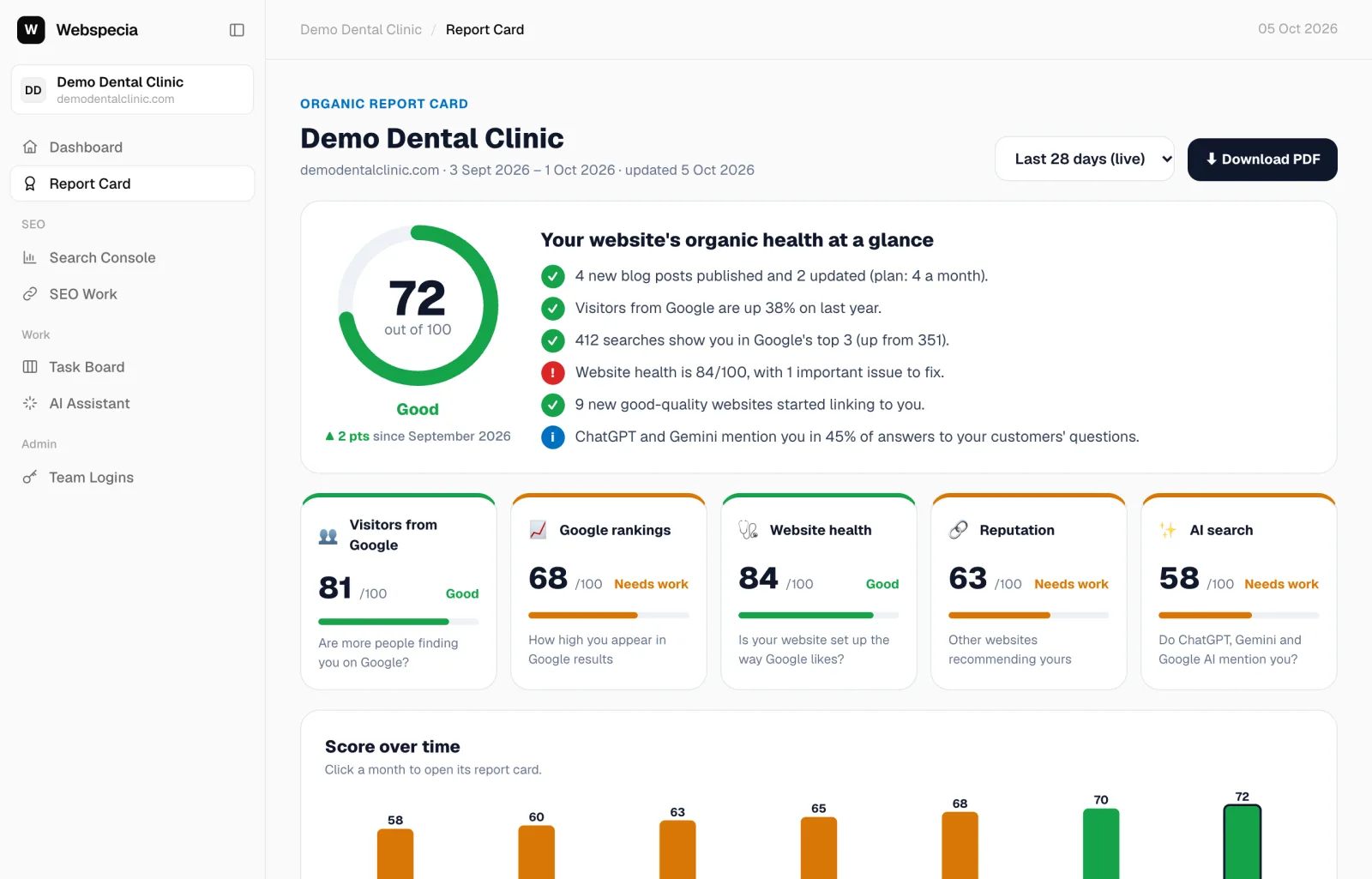
Report card PDF
- Open Report Card.
- Choose Last 28 days (live) or a past month in the dropdown.
- Click ⬇ Download PDF.
Other downloads
- Search Console → Export PDF for your search performance.
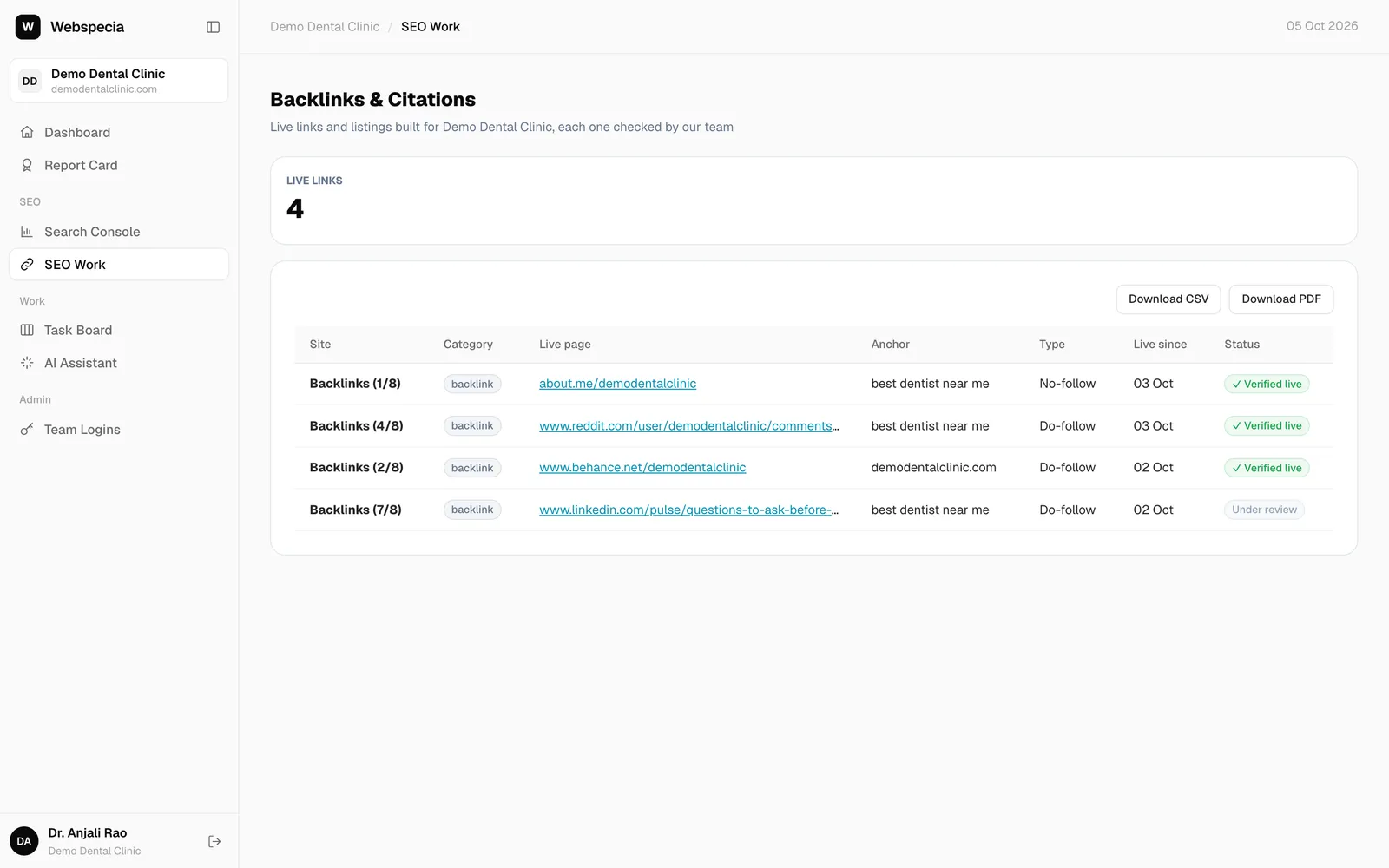
- SEO Work → Download PDF (or CSV) for the links built for you.
Monthly email
If you work with an agency, they review your monthly report card and email it to you with the PDF attached, early each month.
Still stuck? Our team will walk you through it.
Talk to Webspecia