
Browse all guides
For agency owners
- Get your agency account
- Create a client workspace
- Connect Google Search Console
- Add your team
- Give clients their own login
- Set monthly SEO plans
- Build your link library
- Create and apply niche profiles
- Review and approve work
- Monitor link health
- Track team performance
- Report cards and client emails
- Backlink profile
- Track AI search (AEO & GEO)
- Recurring tasks and the Task Board
For agency owners · 2 min read
Report cards and client emails
How monthly report cards are frozen, downloaded as PDF and emailed to clients after your review.
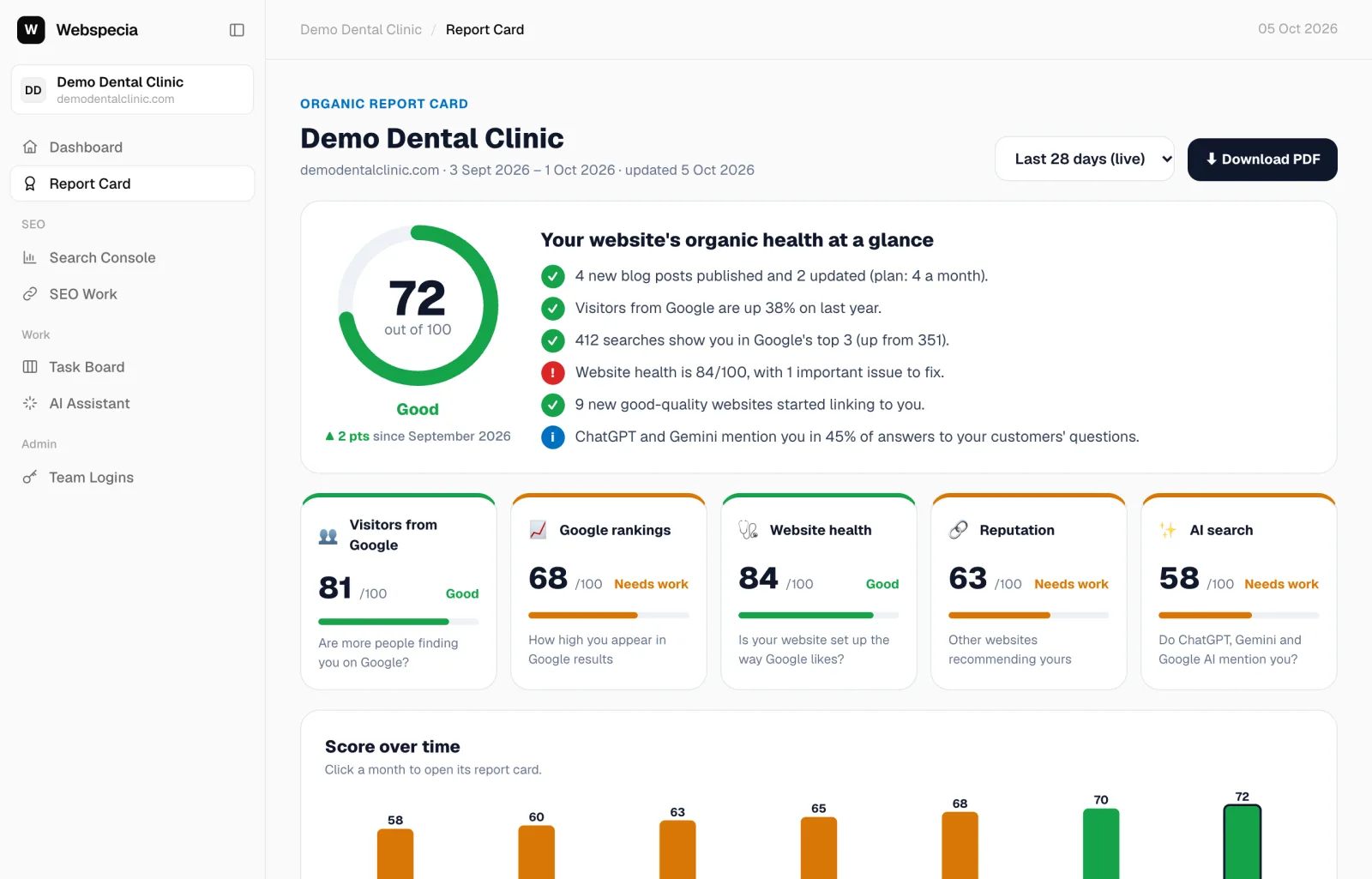
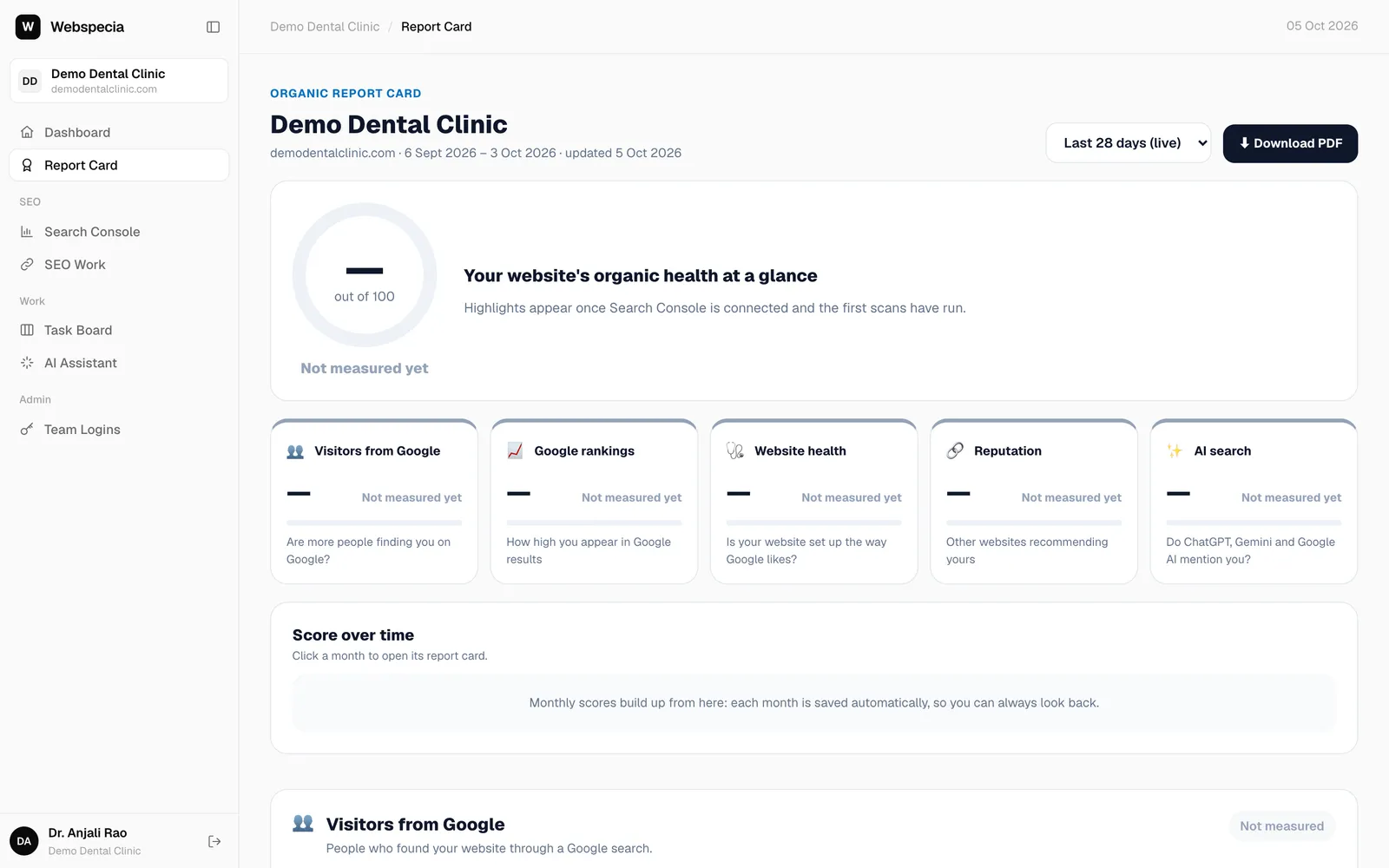
The report card is the page your clients care about most. It scores the website out of 100 across five pillars and keeps a snapshot for every month. How to read it is explained in Read your report card.
Live and monthly views
- Last 28 days (live) covers the last 28 days ending two days ago (Google needs that long to finish its data). It refreshes every few hours; agency users can click Refresh.
- From the 4th of each month, last month is frozen automatically. Frozen months never change, so the numbers you sent are the numbers the client keeps.
- New clients: click Build past 12 months (shown while there are fewer than 3 months) to backfill history from Search Console.
Download a PDF
Click ⬇ Download PDF on any period. Clients can do this too from their own login.
Email the monthly report
- When a month is frozen you get a notification: N monthly report cards are ready to email.
- Open the client’s Report Card, pick the month, and find ✉️ Email this report card. Recipients are pre-filled from the workspace’s logins, CEO first (up to 10).
- Click Preview email ↗ to see it, and Send test to me to receive it yourself.
- Click Send to client. The PDF is attached. The button changes to Send again.
Still stuck? Our team will walk you through it.
Talk to Webspecia